Designing with AI
My design process has changed a lot with AI, but the core hasn't.
This section walks through how my process worked before and after bringing AI in, and what I learned about keeping ownership of the work along the way.
Nov. 2026
Intro
01 Before
02 After AI
03 Where I Draw the Line
04 Why the Line Matters
05 Passing It On
06 Where I Stand
02
Before
After AI
Built pixel by pixel
Explore wide, build fast
Everything happened by hand. I’d sketch on paper, refine the wireframes in Figma, build high-fidelity screens by hand, and link them together with Figma prototypes. Every decision, even the small and repetitive ones, passed through my hands.
I still sketch first ideas on paper, but now I prototype dozens of variations in minutes. Once I land on a direction, I set the level of craft by designing the key moments in Figma myself, which Claude helps turn into a design system and a working product.
01








Time back
Discover
Define
Develop
Deliver
Time
Ideas



Before
After AI
Why the line matters
At the end of the day, I’m the one who sees the problems and hears the users’ pain points firsthand. I believe it takes a human to read what isn’t said: the context, the emotion, what actually matters to the people using it.
Each tool also has its own aesthetic leanings. Without steady judgement, the work drifts toward the tool’s taste, and the result feels hollow.
From my internship at Amazon
While prototyping, I wanted the device setup cards to bounce open and close in a way that captured Alexa’s friendly, human side. Kiro (Amazon’s AI tool) missed the subtle timing, so I animated it by hand in After Effects which made all the difference. Tools will change, but my taste comes with me.
04
Passing it on
I feel that knowing what to hand off to AI is hardest early on, before critical thinking and design rationale become a habit.
As a TA for a foundational interaction design class, I see students who’ve never sketched a wireframe by hand produce polished work with AI from day one. But polish can hide a lack of reasoning, and it’s easy to just click “accept.” So I push them to stay grounded in their own reasoning by always asking, “How did you come to this decision?”
05
Where I stand
Exploration is wider and building is faster, but I’m still the one questioning, choosing, and refining along the way. That’s what makes the work feel considered and intentional.
The tools will keep getting better. So will my judgement.
06
AI widens what I can explore,
but knowing what to move forward,
and why is still up to me.

Where I draw the line
With AI now part of every stage, I’ve had to learn where its work ends and mine begins. No matter the stage, the strategic thinking stays with me, because that’s where the real design work starts. What problem are we solving? Is this the best solution for it?

Stage
I still own
Discovery
Brainstorming questions, running desk research
Defining the actual problem

UX research
Summarizing interviews, clustering feedback
Uncovering patterns and user needs
Competitive analysis
Collecting feature comparisons
Identifying the competitors worth learning from
User flows
Generating flow options
Shaping the best experience
Design systems
Extending and documenting the system
Designing the system's logic and key components
Prototyping
Turning designs into working, coded prototypes
Defining the interactions and motion details
Testing
Drafting test scripts, summarizing results
Validating decisions with real users
AI helps me with





03

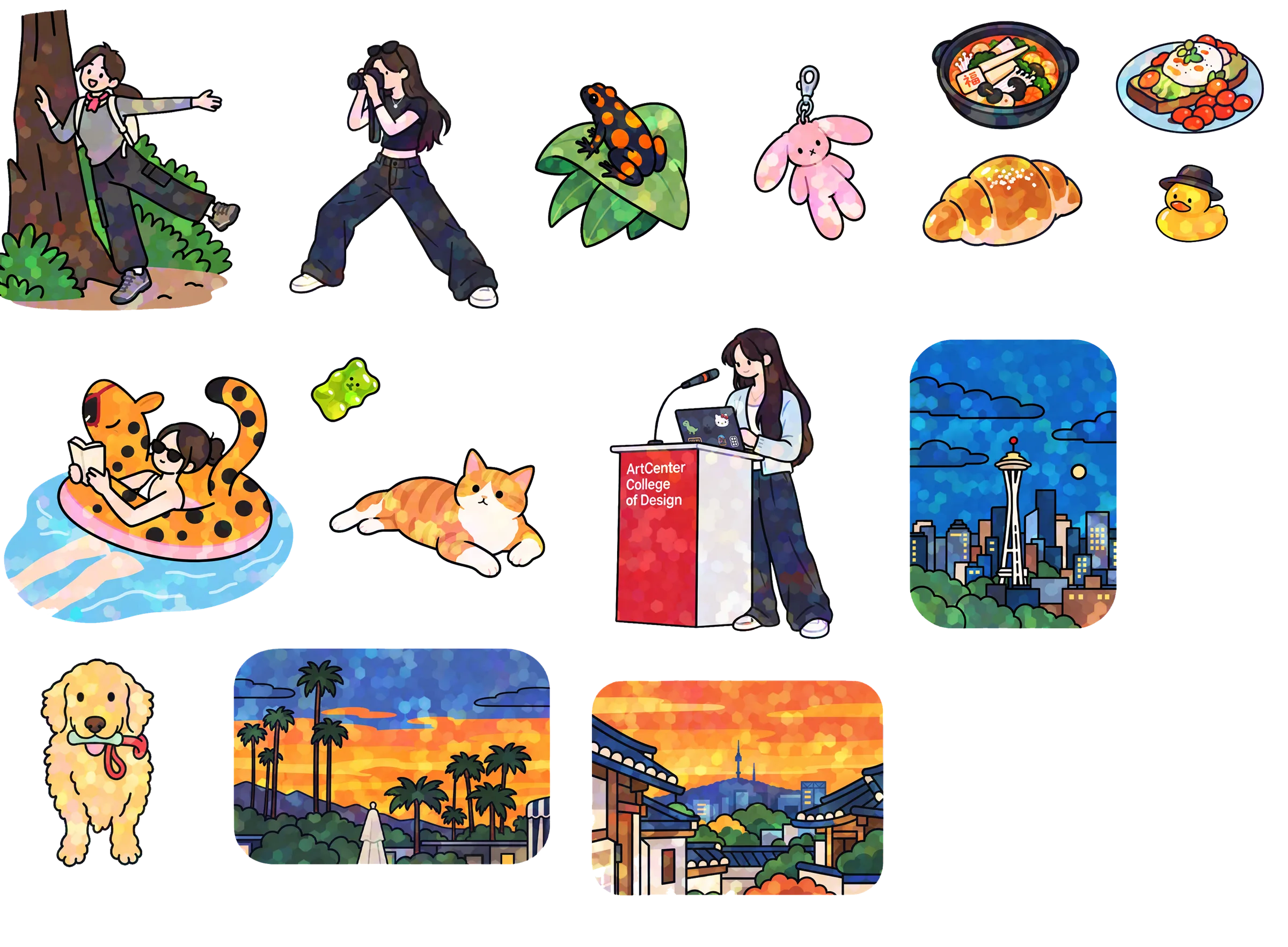
How I made the stickers
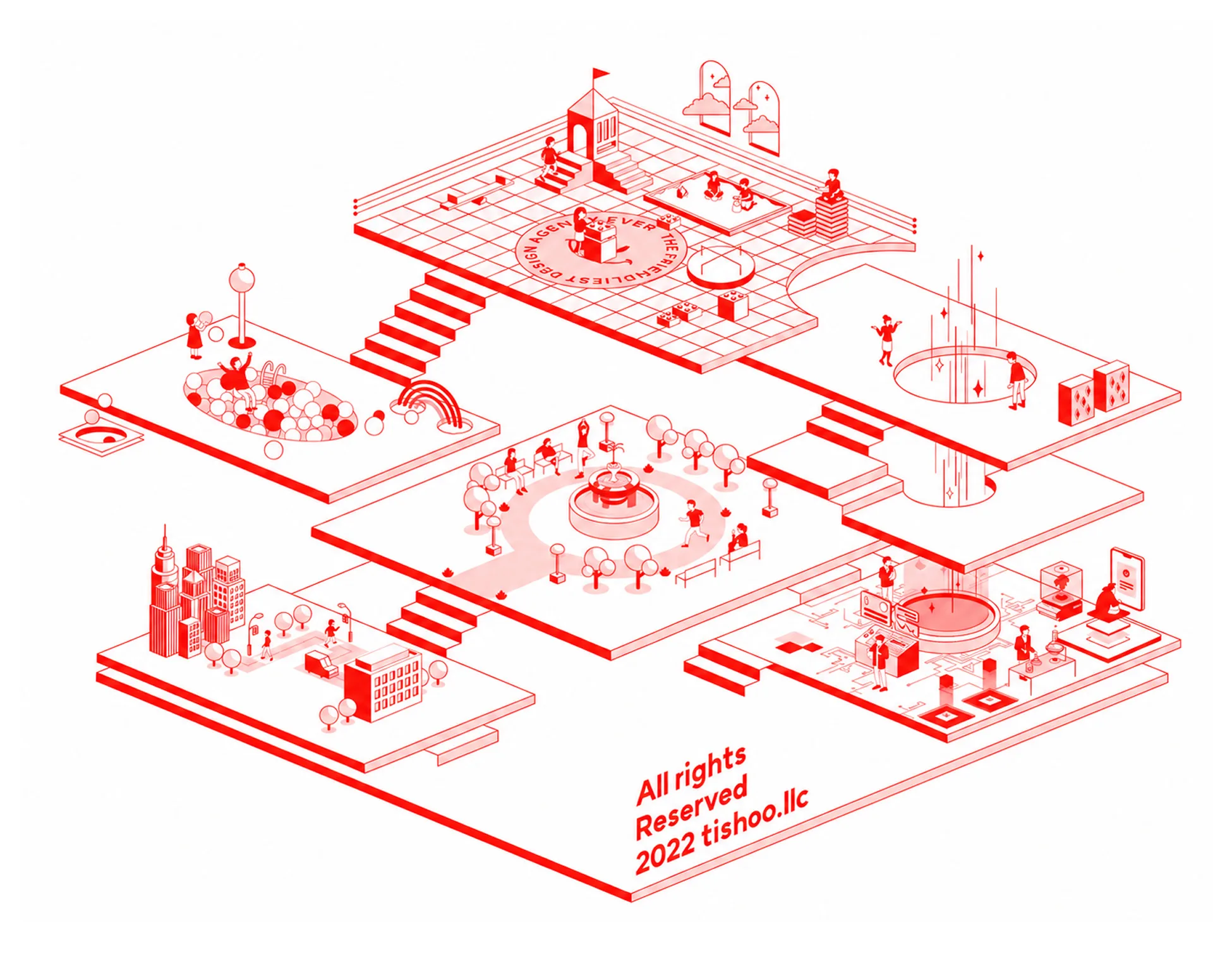
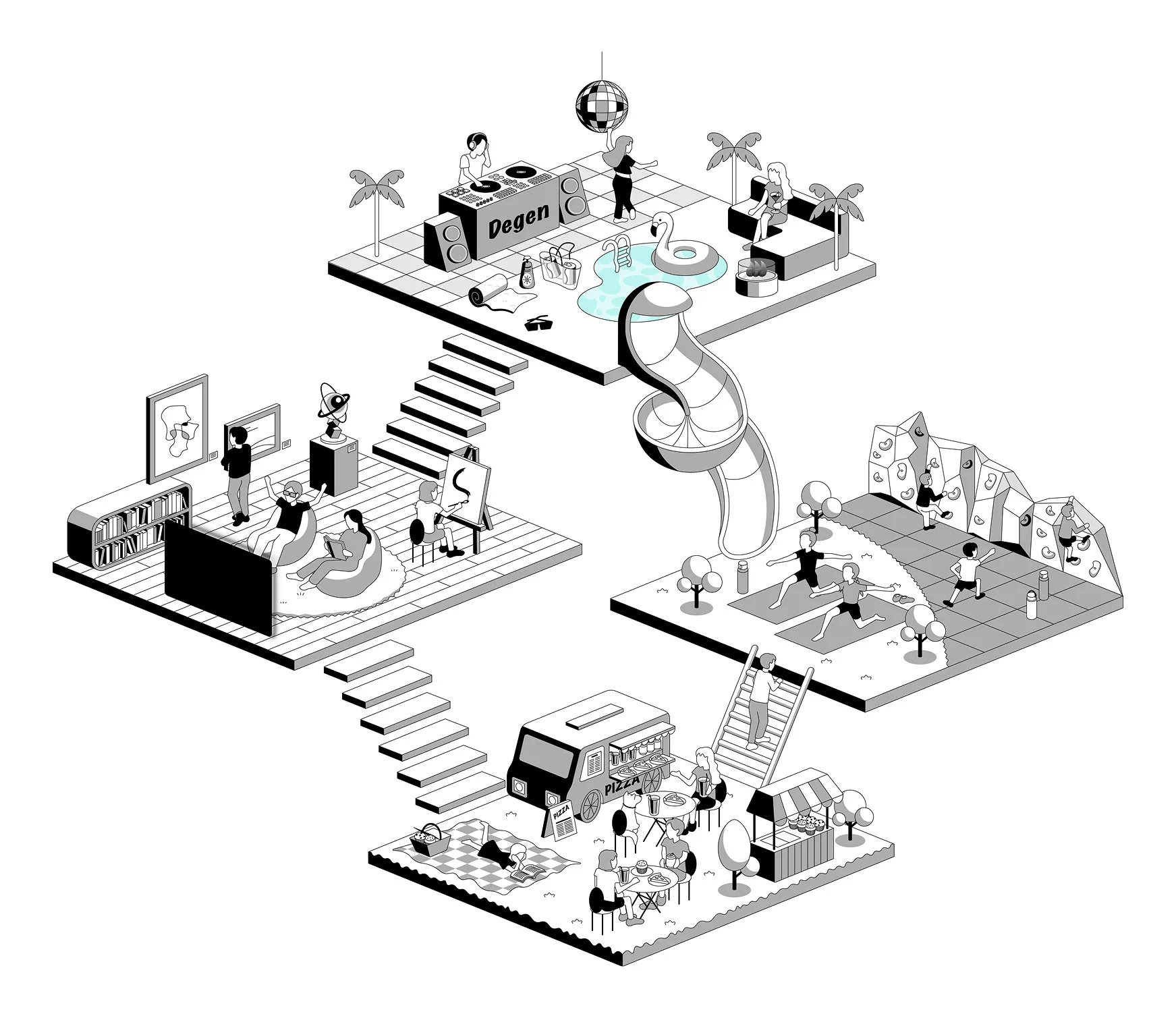
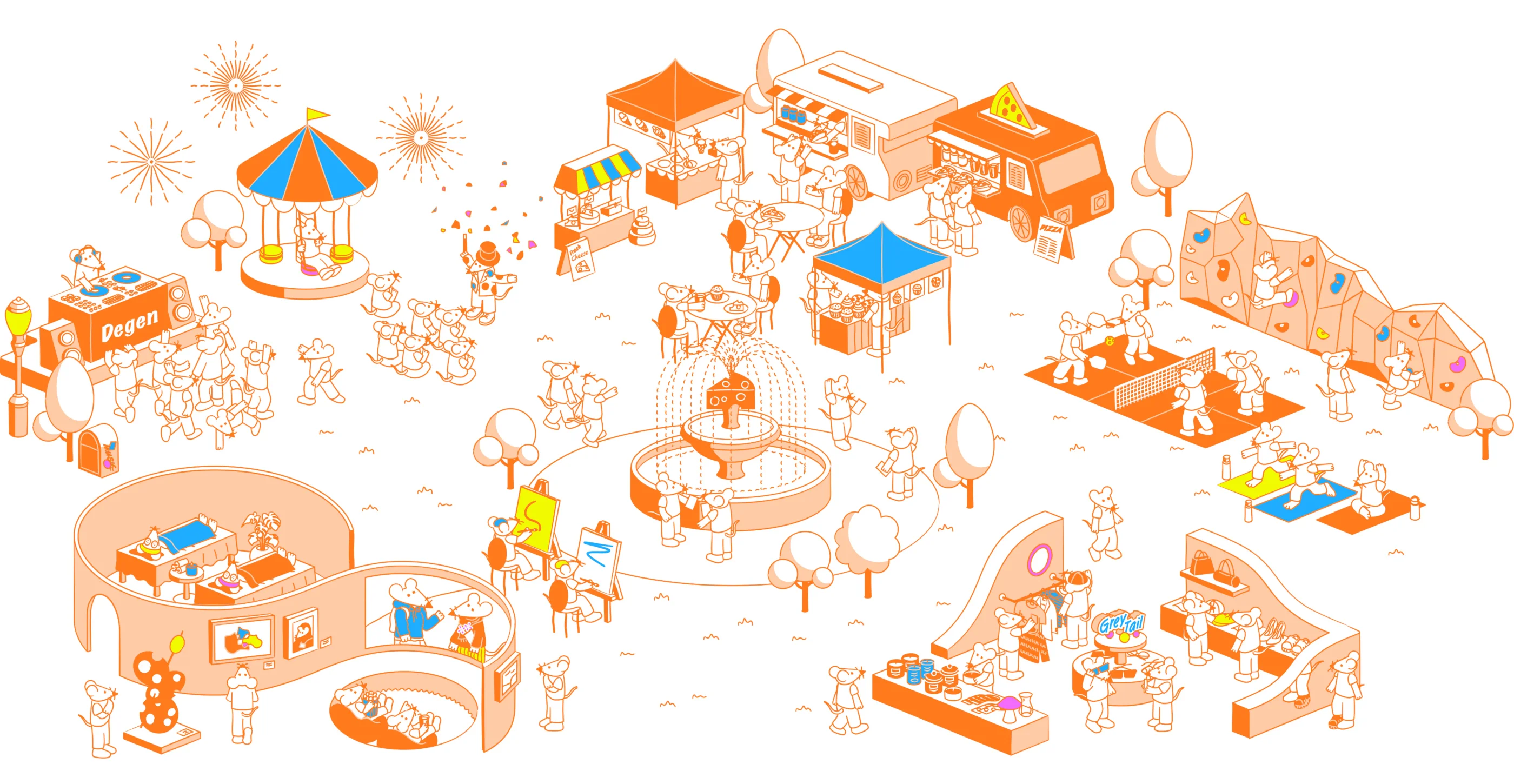
Set the style
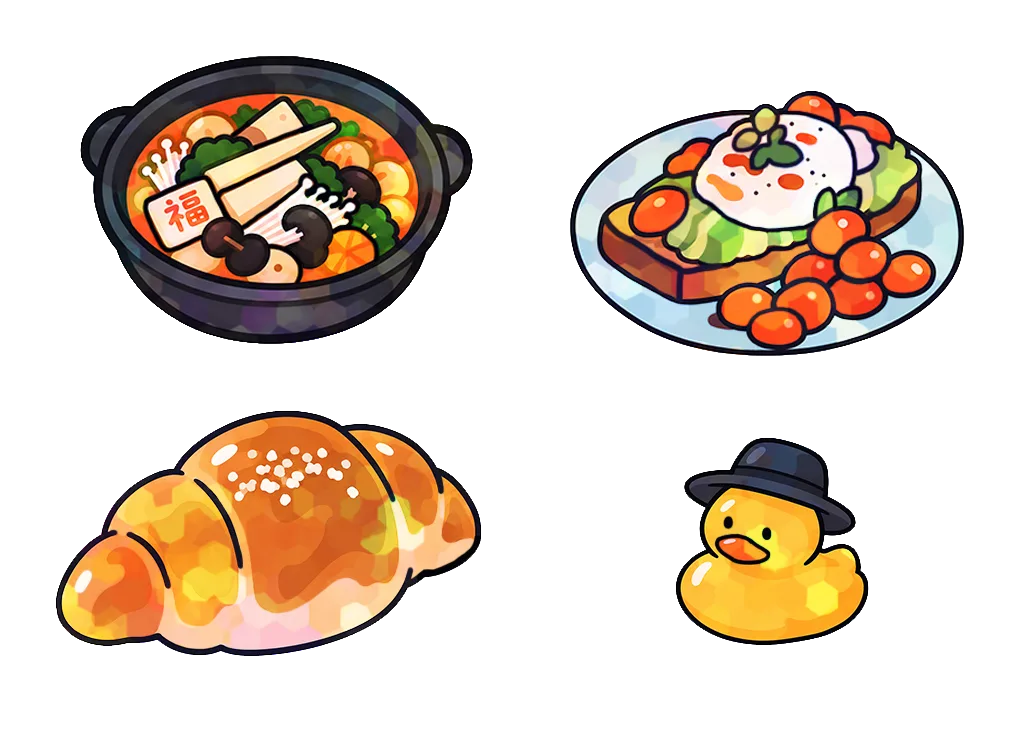
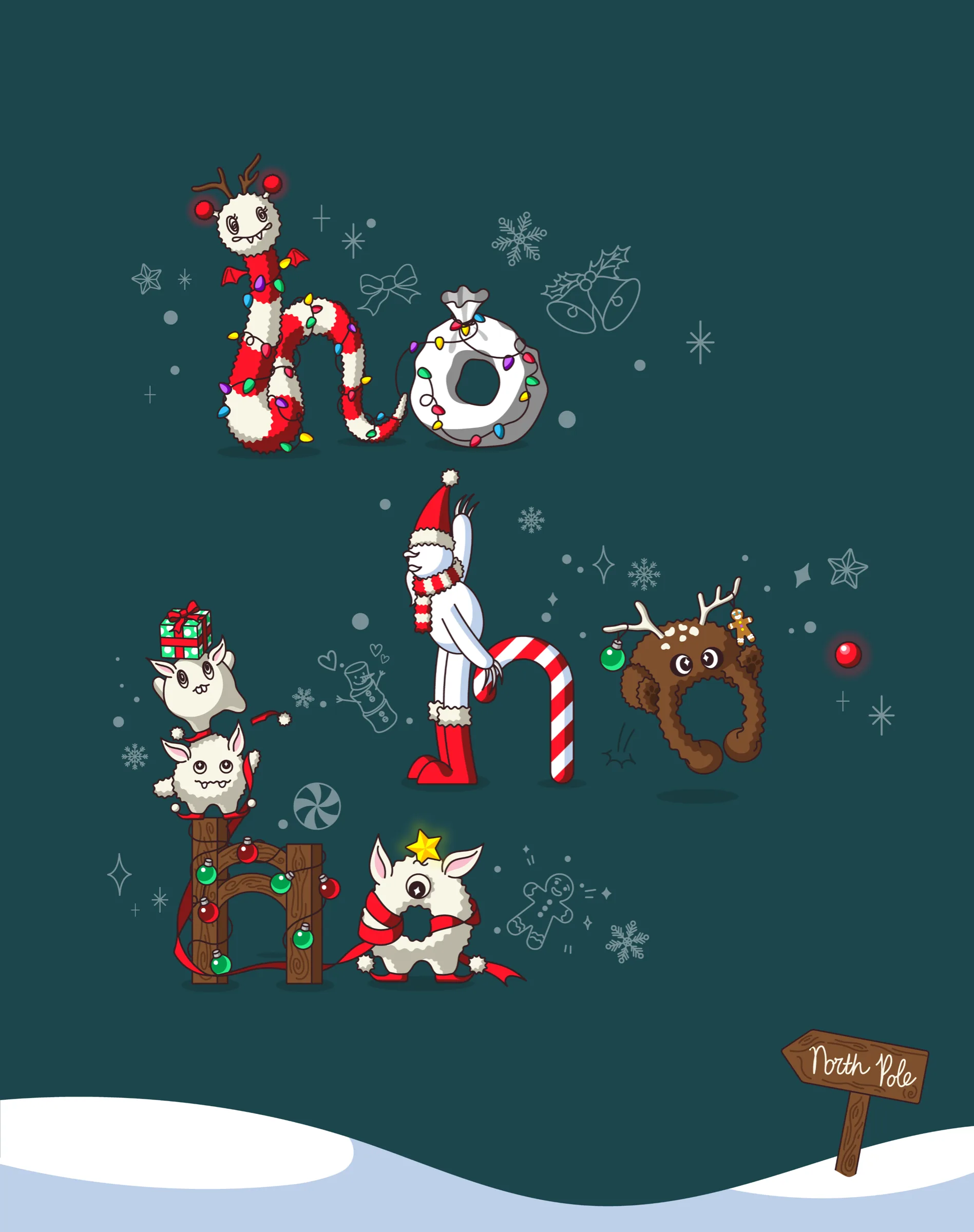
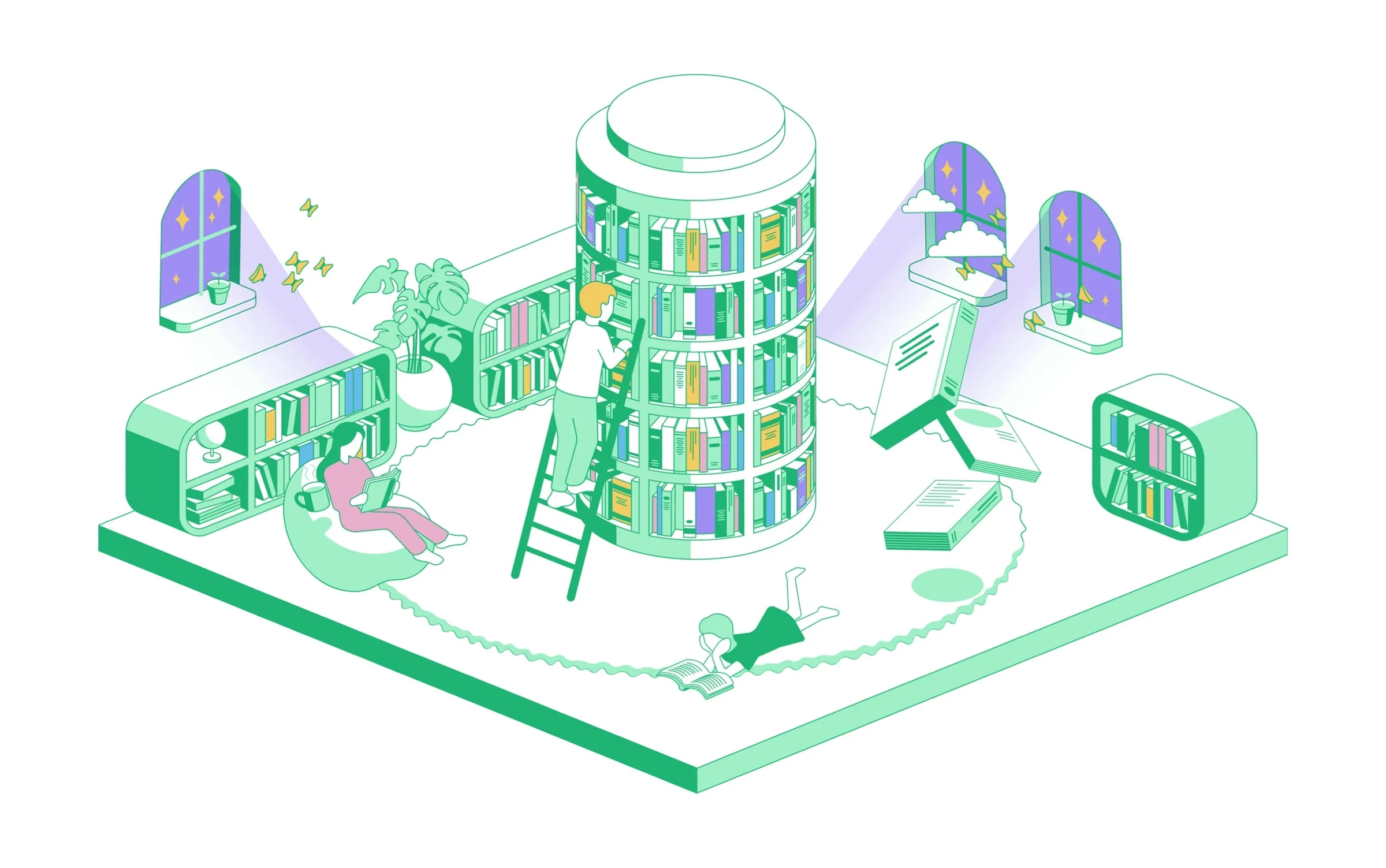
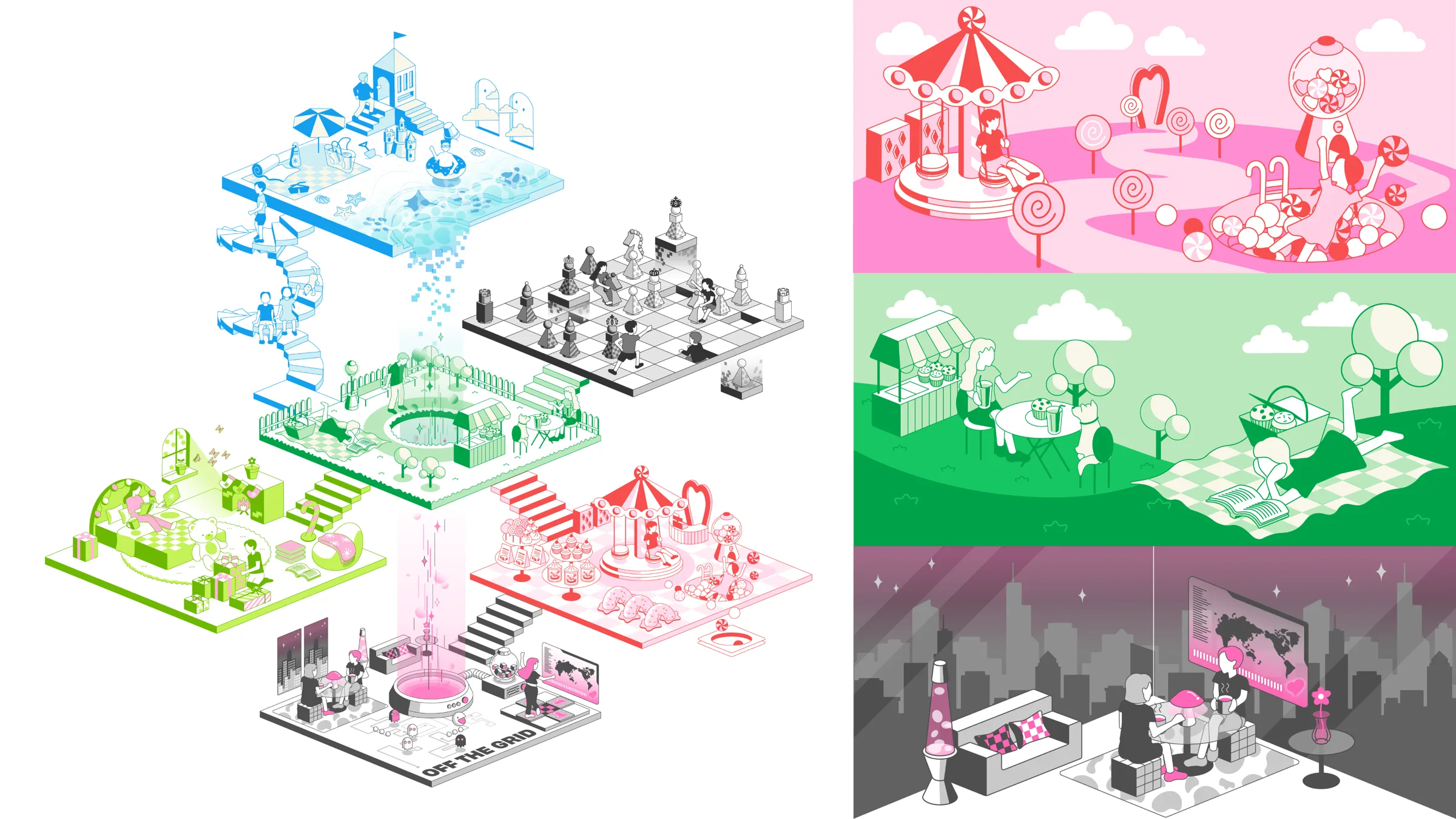
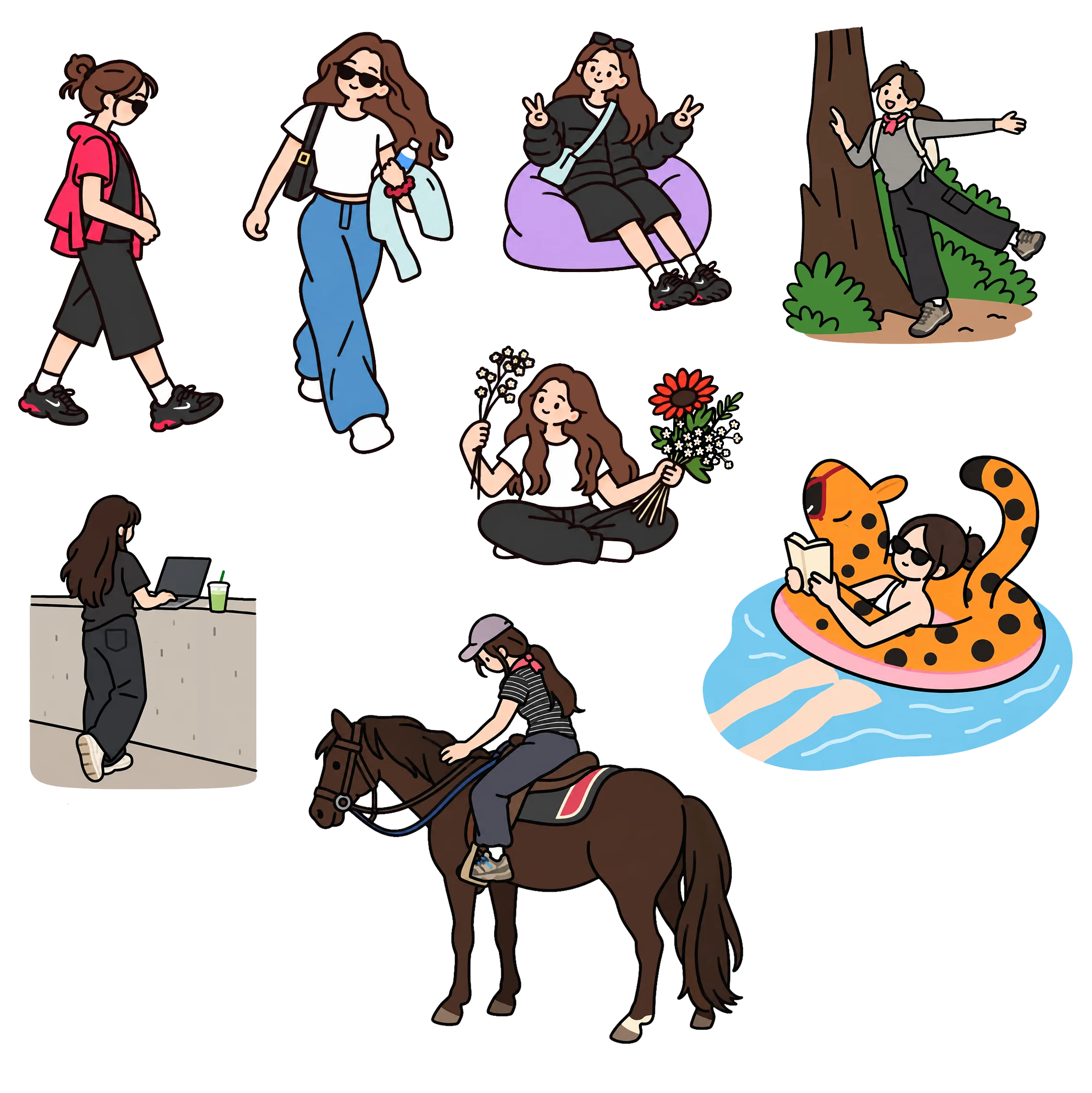
I uploaded six of my past illustrations to ChatGPT as the style foundation for the stickers.
01

From my camera roll
I uploaded photos of places, food, and everyday objects from my own life, and prompted ChatGPT to reinterpret each one in my style.
02
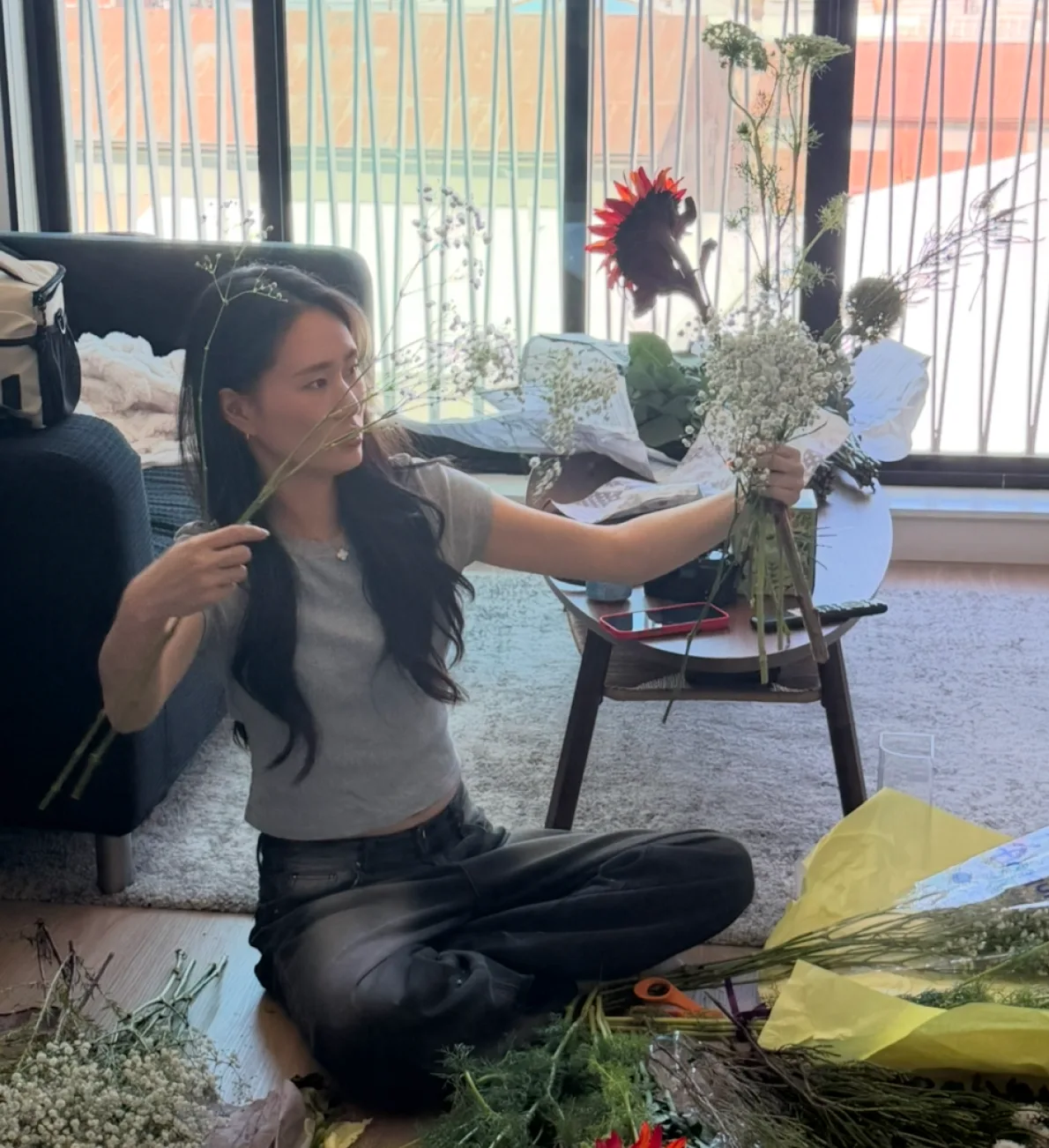
Iterations
Over several rounds, I simplified shapes, reduced shading and depth, adjusted proportions, and standardized the outline weight, so the whole collection shares one visual language.
03
Holographic texture
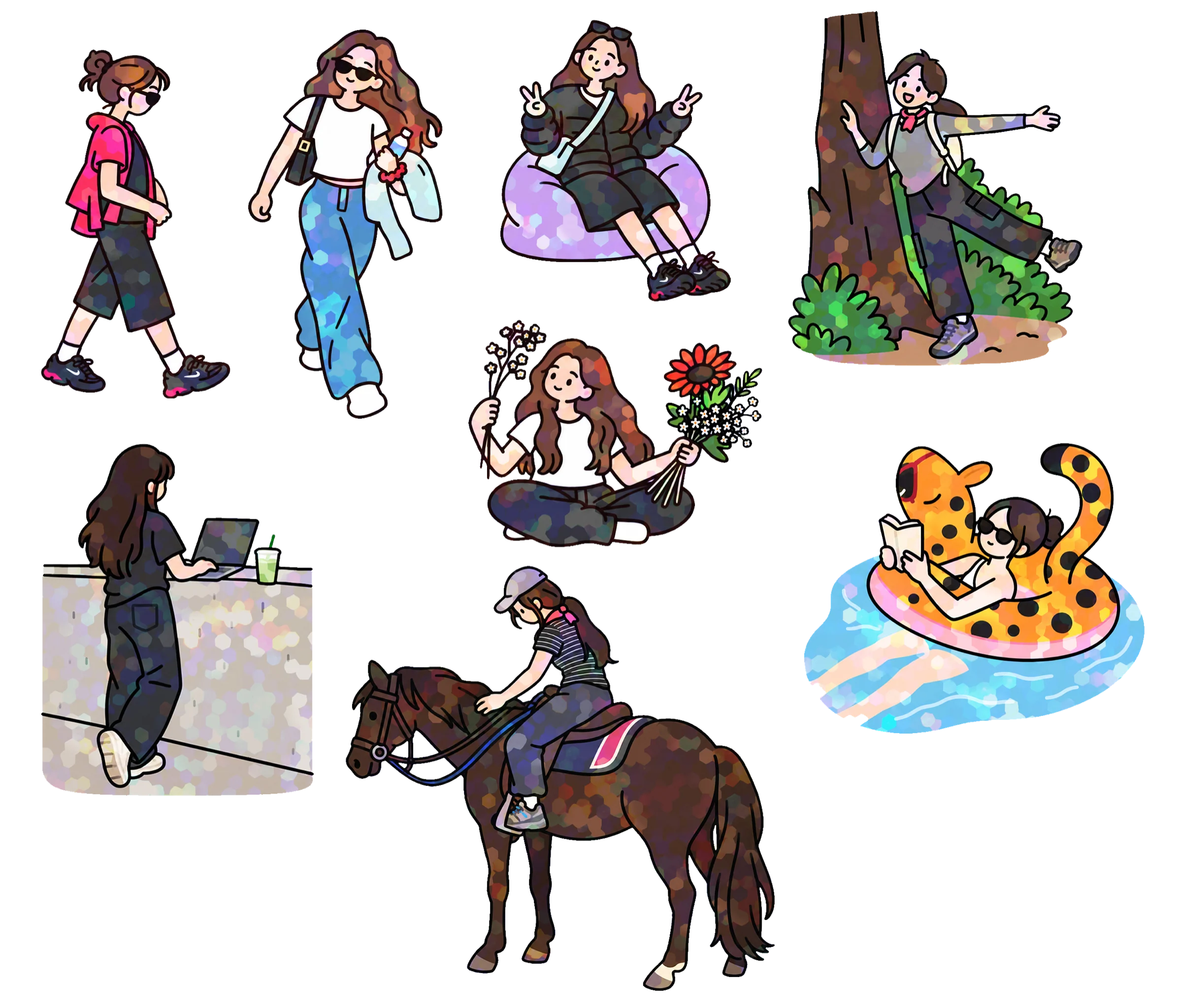
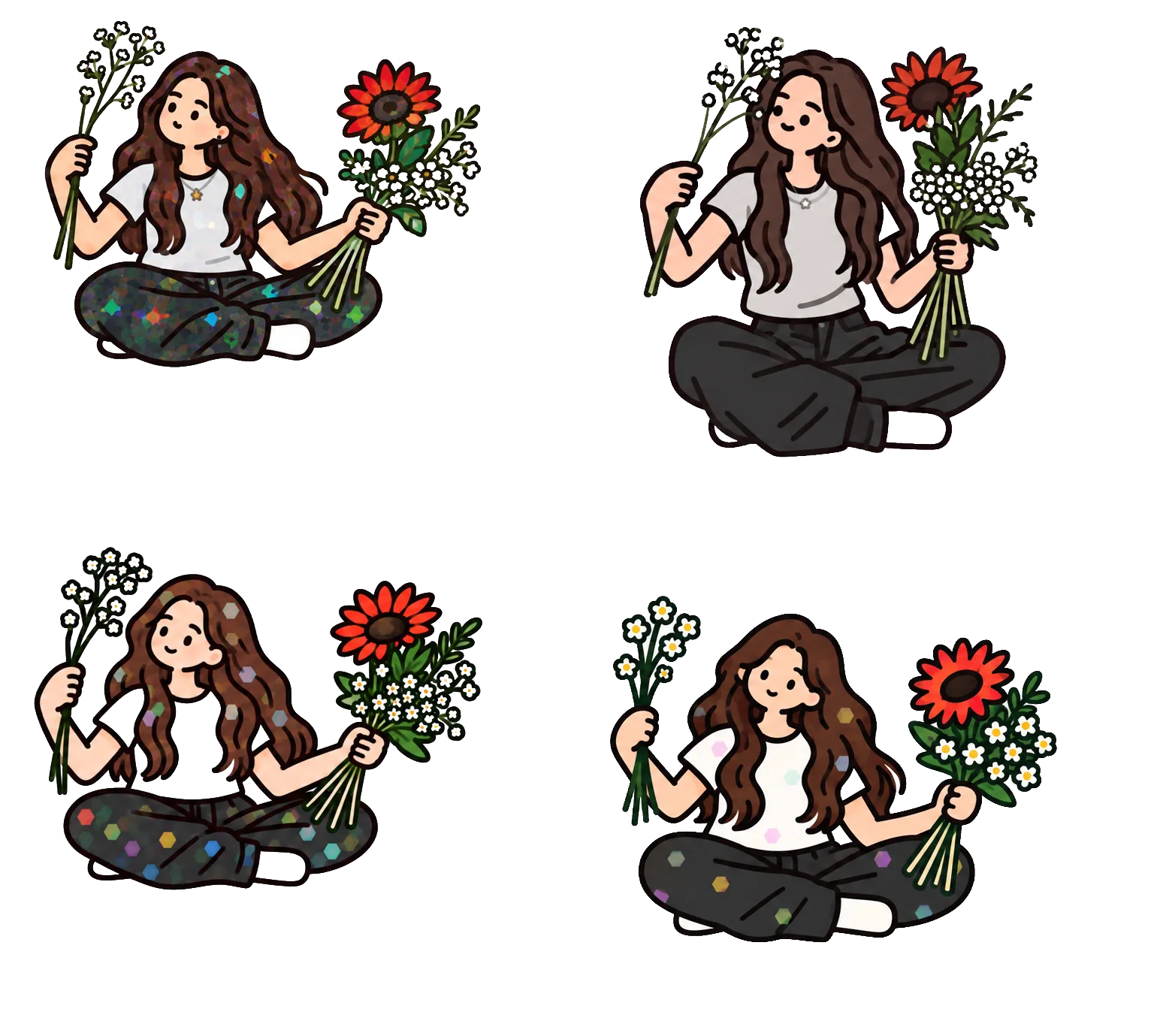
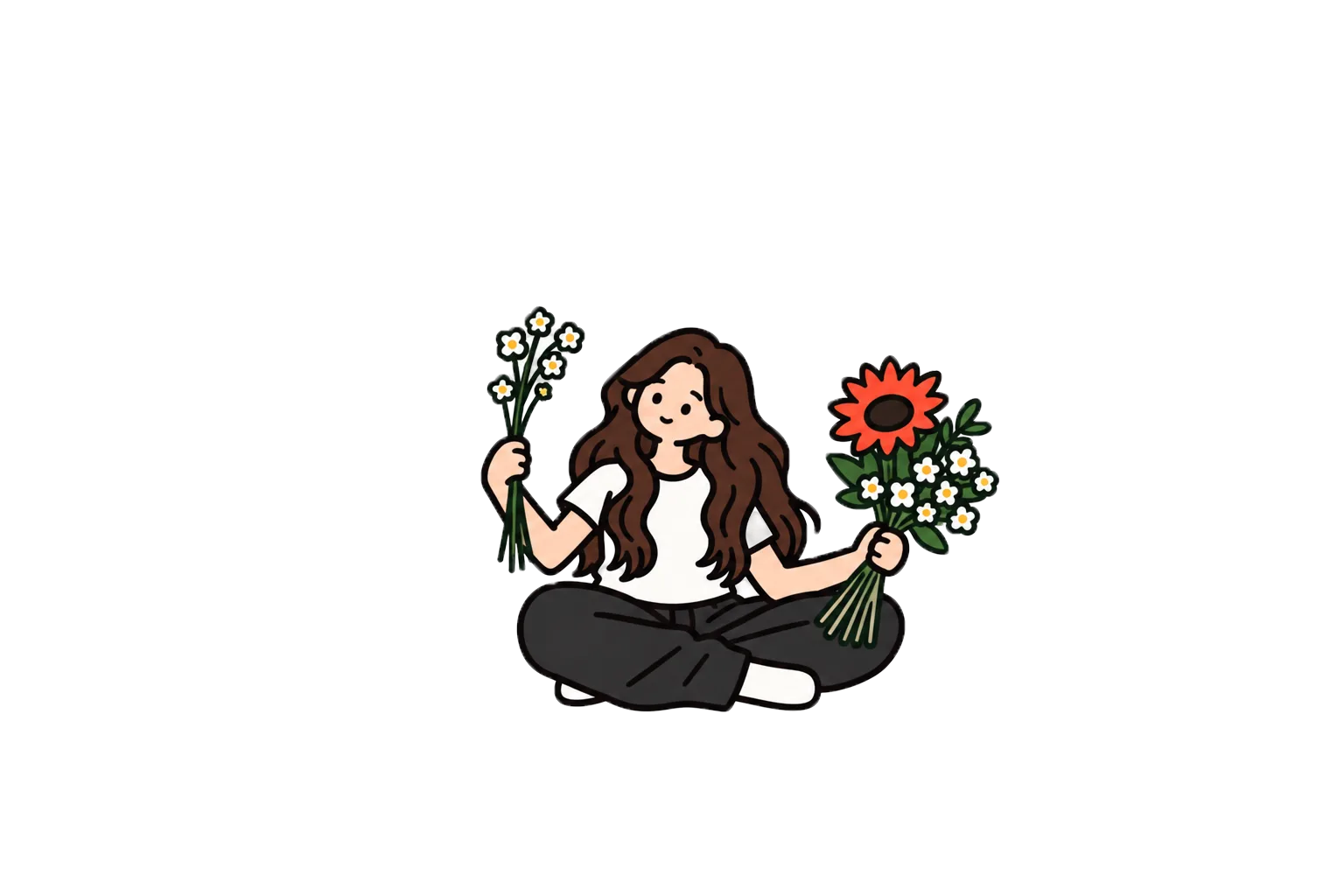
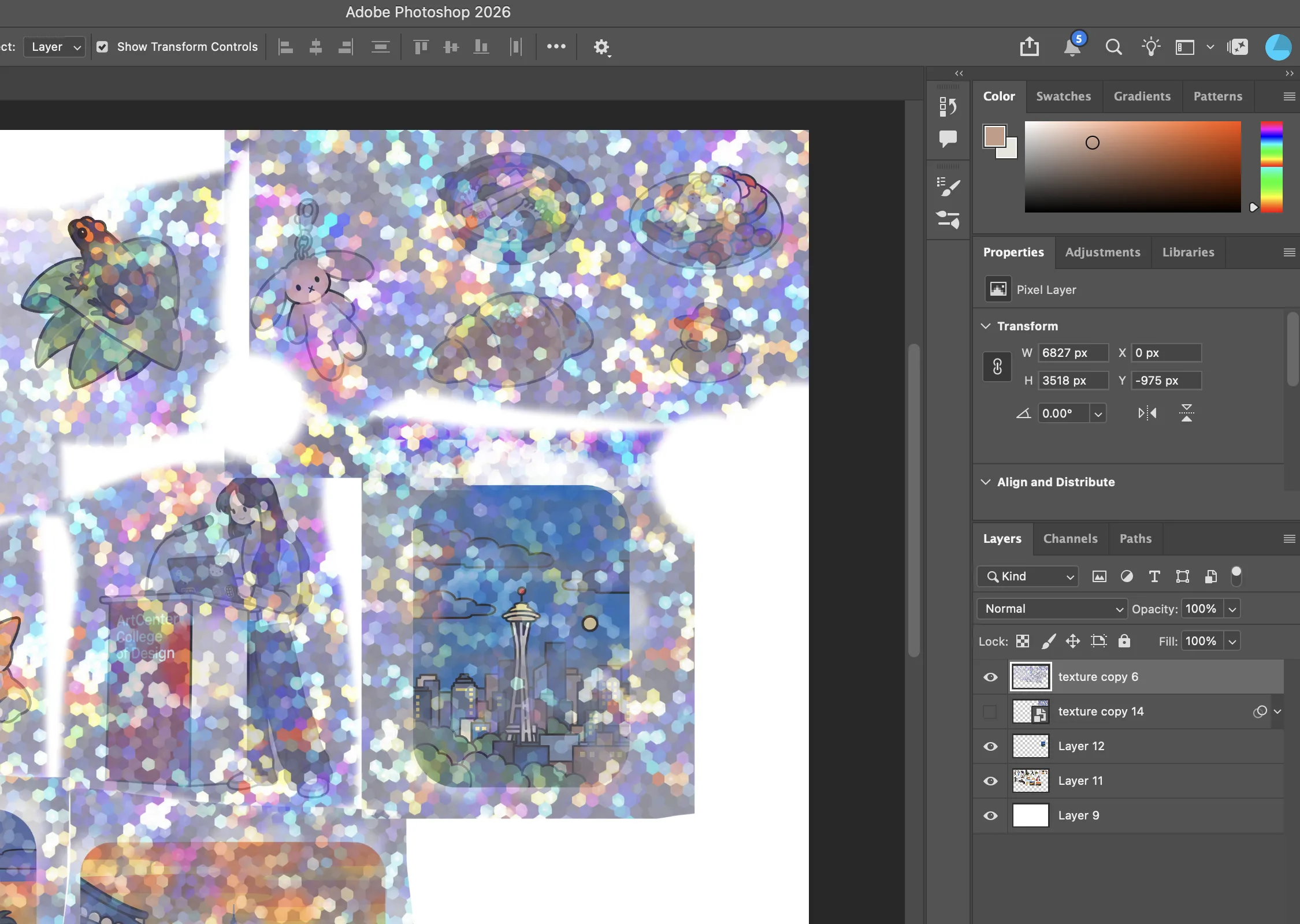
Generating the holographic effect directly in ChatGPT gave inconsistent results. So I created a holographic texture separately and applied it to each sticker by hand, which gave me more control.
04
Directly in gpt
Manually
Use these six illustrations as style references. Keep my minimal, chibi-inspired aesthetic, with simplified shapes, flat colors, and consistent outlines.