
Amazon
Role

Visual UX Design Intern
Project Type
Mobile Redesign
Focus
Visual Systems
Motion Design
Interaction
Timeframe
06.2026-09.2026
What if getting started felt as personal as the device itself?
For most people, setting up their first Alexa device is their first real moment with Alexa, and often their last time opening the app. I redesigned device setup into an expressive, confidence-building experience, using color, motion, and personality to shorten the “time to magic” with Alexa+.

The Brief
Context
01 Why does it matter
02 As-Is
Competitive Analysis
01 AI Agents
02 Setup Flows
Explorations
Final Outcome
01 Prototype
02 Key Moments
03 Motion Language
What Else Did I do?
Reflection
THE BRIEF
Redesign the Alexa app’s device setup to be the kind of first impression that brings customers back.
context | 01 Why does it matter
of daily active users are lost within the first 3 days.
→ The first impression determines whether users stay.
77
%
→ Every unnecessary step is an opportunity to lose users.
of users complete the onboarding flow within 30 days.
%
8.4
→ If users don't reach value, the product doesn't get to prove itself.
of users ever reach activation.
%
38

Onboarding isn't just about getting users set up,
it's about helping them reach the value before they lose interest.

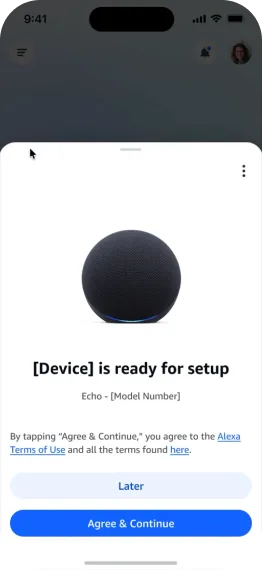
Setup felt like it was just checking boxes, it didn’t show me anything about what this thing could actually do.
The waiting part was boring. And when it paired, there wasn’t really a moment, it just moved on.
context | 02 As-Is
Cynthia, Age 52
Chris, Age 36
competitive Analysis | 01 AI agents




Agentic
Reactive
Siloed
Interconnected
Devices(Type)
Ecosystem Breadth
Market Data
Personalization
Conversational Depth
Smart Automation

7
Broadest third-party device compatibility

#1 in smart speakers
Pick its personality; it learns your habits
Natural to talk to, sometimes forgets

Completes tasks on the user’s behalf

7
Wide compatibility, strongest within Google services
Largest user base
Knows you through your Google data
The best at conversation
Great within Google apps
10
Broad, but centered on Samsung products
Bundled with Galaxy, low standalone adoption

Learns routines, one user only
Basic, command-style
Controls Samsung devices only
9
Limited to certified accessories
Strong on iPhone, minimal speaker share
Private, but not very personal yet
Still catching up
Needs manual setup
*Device types = first-party devices with the agent built in, as of October 2026
The goal of this analysis was to understand what makes Alexa distinct.
Alexa occupies a unique position between interconnection and agency. No competitor matches its ability to work across so many devices while also acting on the user’s behalf.
100k+
devices
125k+
skills
competitive Analysis | 02 Setup flows

Smart Home · Voice

Apple Home

Google Home
Phillips Hue

Sonos

SmartThings

Wearables · Health

Oura
Meta

Whoop

Apple Waatch

Personal Wellness

Nike Run Club
Breathwrk

Headspace

Duolingo
Next, I studied how competitors handle setup focusing on the overall experience, friction points, and customer feedback. A few patterns stood out in the flows that worked best.
The Brief
Context
01 Why does it matter
02 As-Is
Competitive Analysis
01 AI Agents
02 Setup Flows
Explorations
Final Outcome
01 Prototype
02 Highlights
03 Motion Language
04 Design System
What Else Did I do?
01 PDP Redesign
02 Spec Handoff
Reflection







Complete
Final outcome | 01 prototype
#3
Build Momentum
#2
Get to value fast
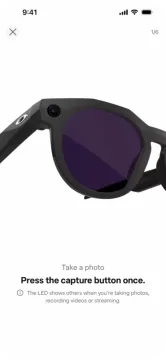
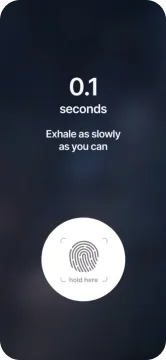
Demonstrate Through Action
#1

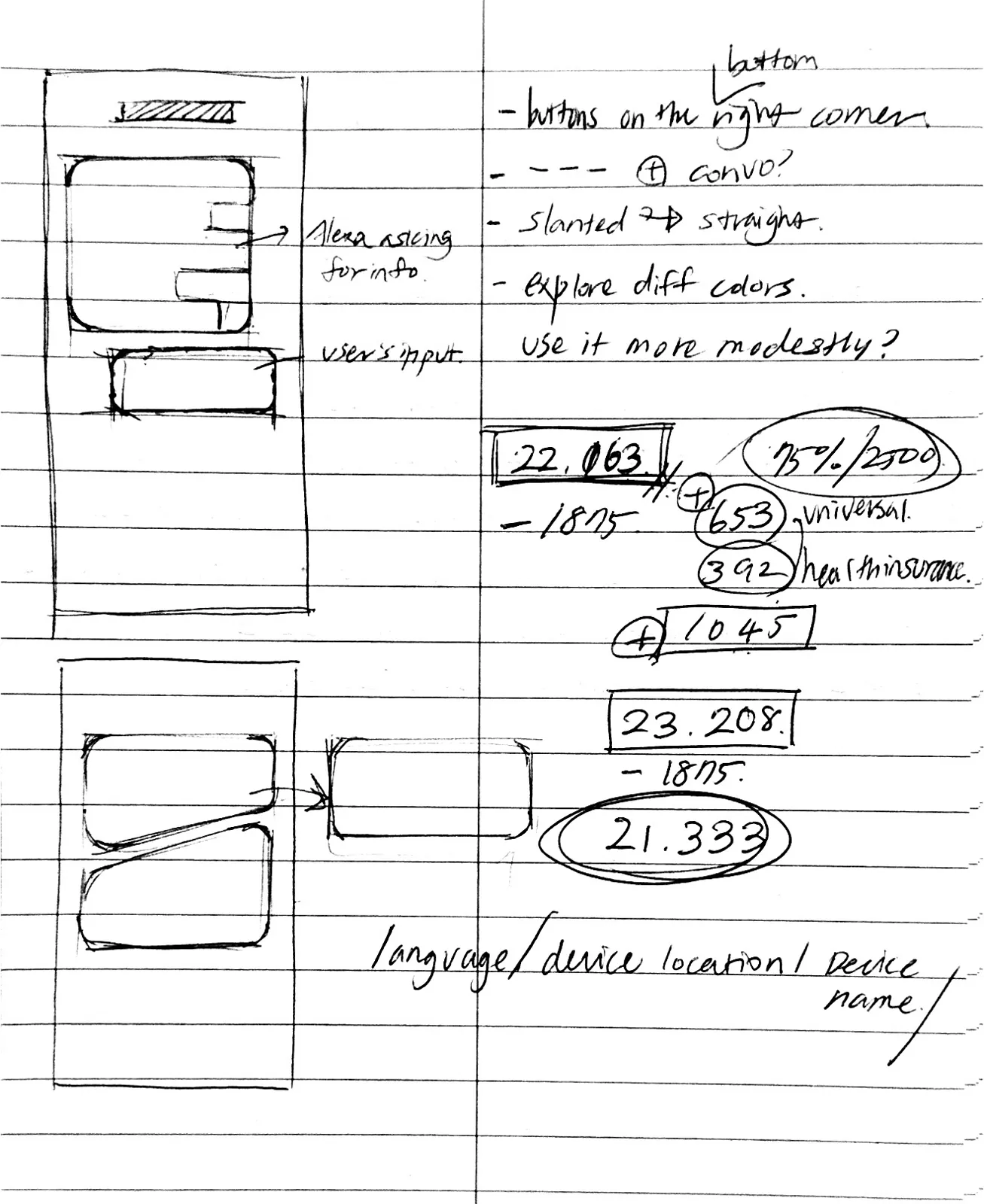
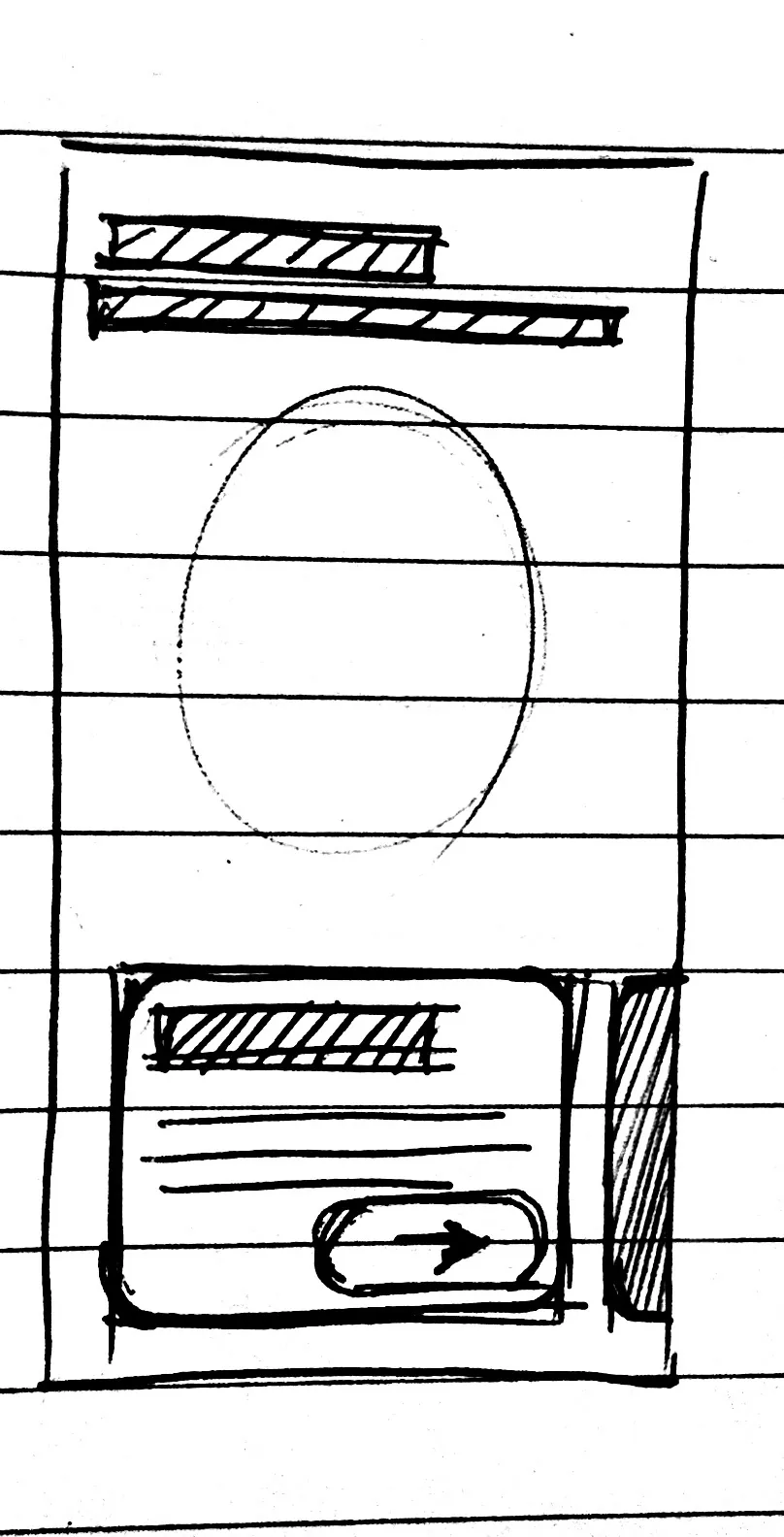
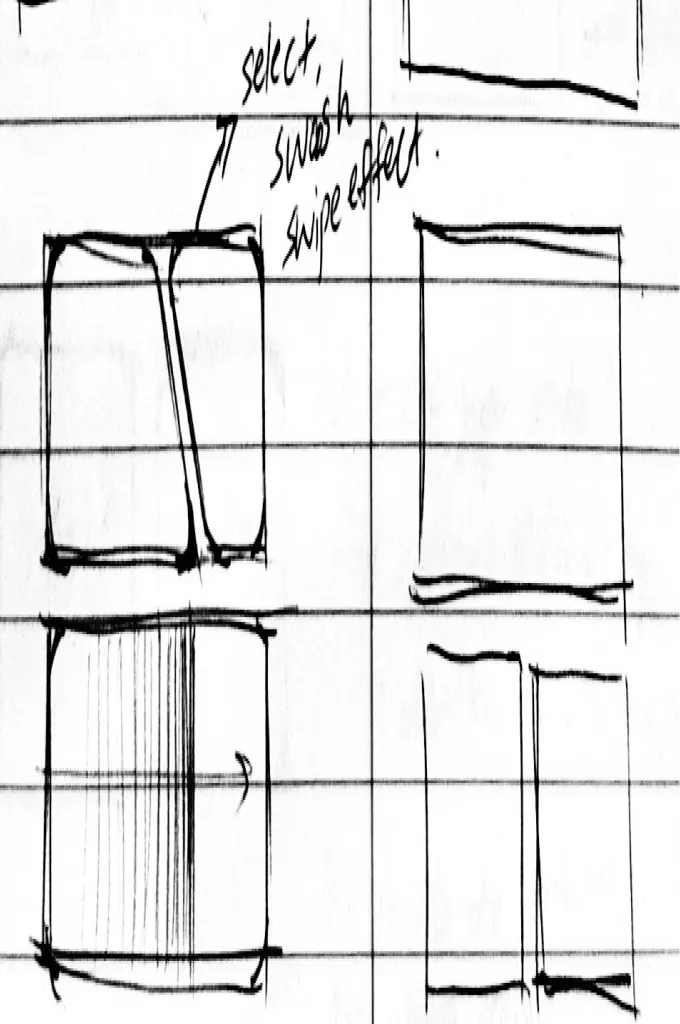
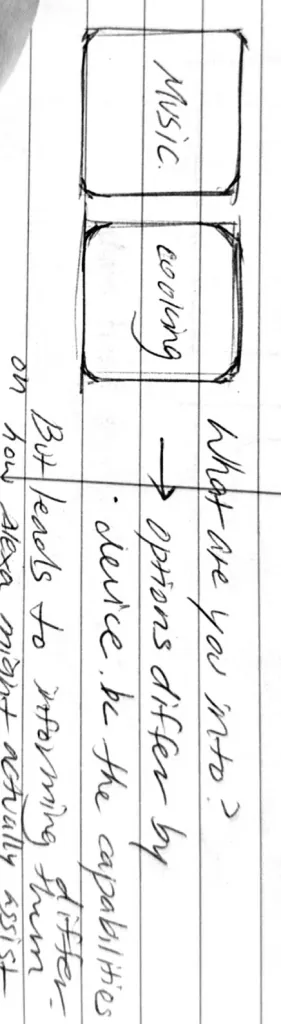
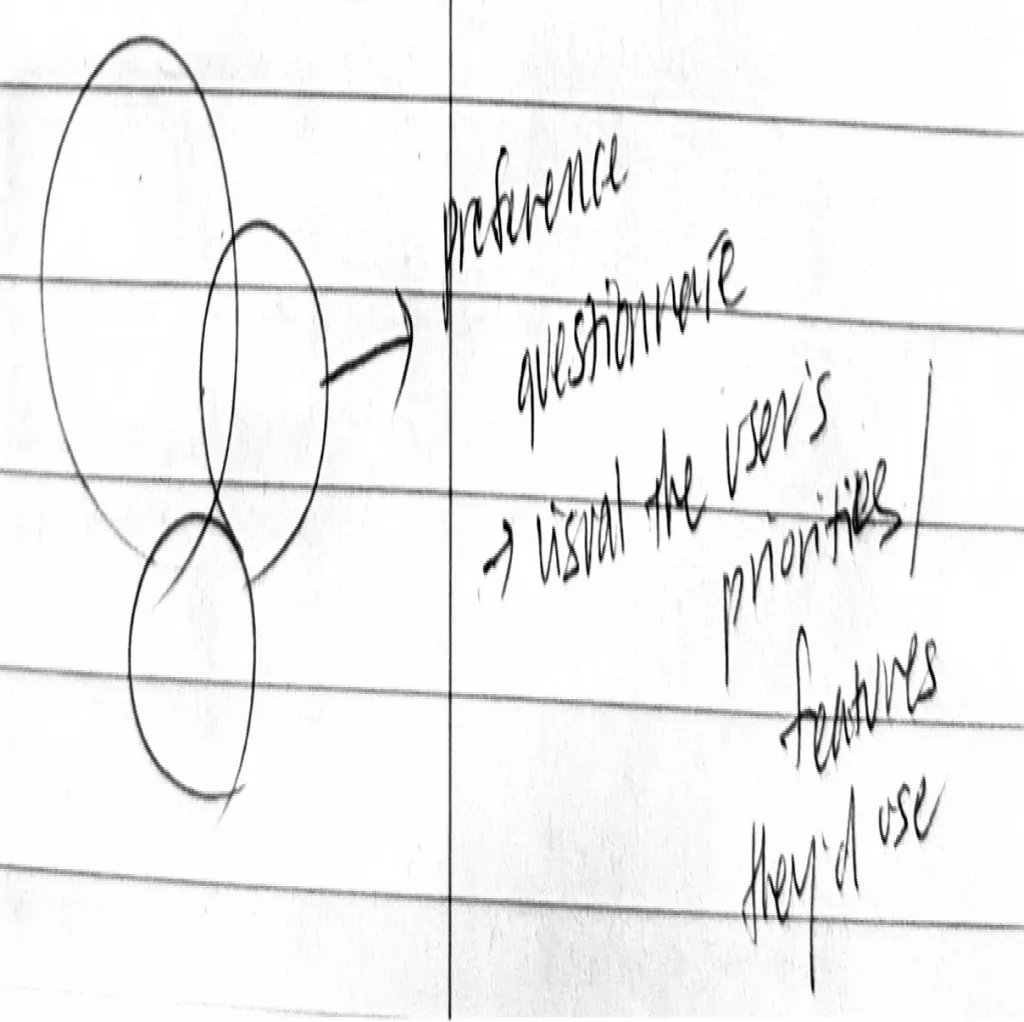
Explorations
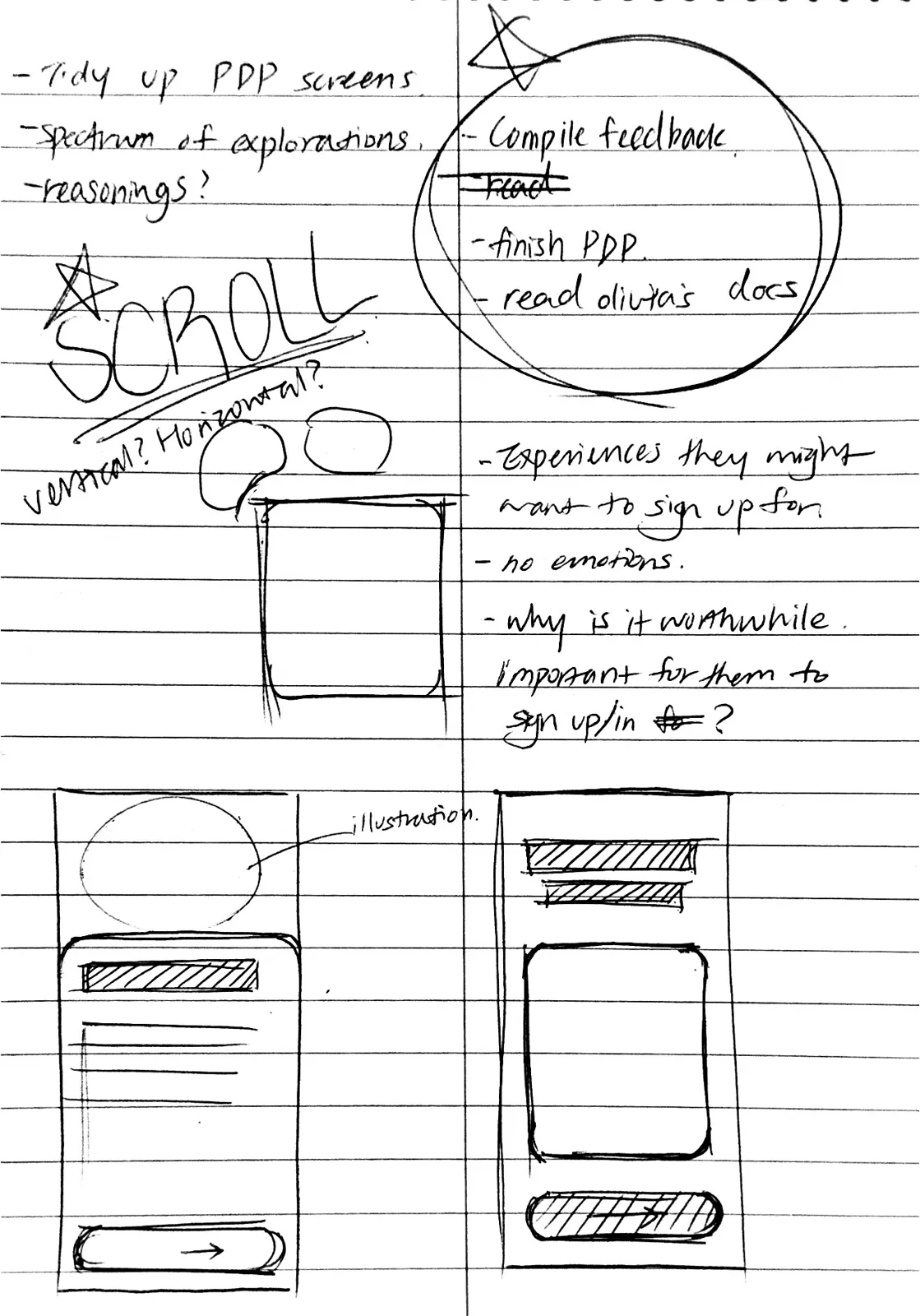
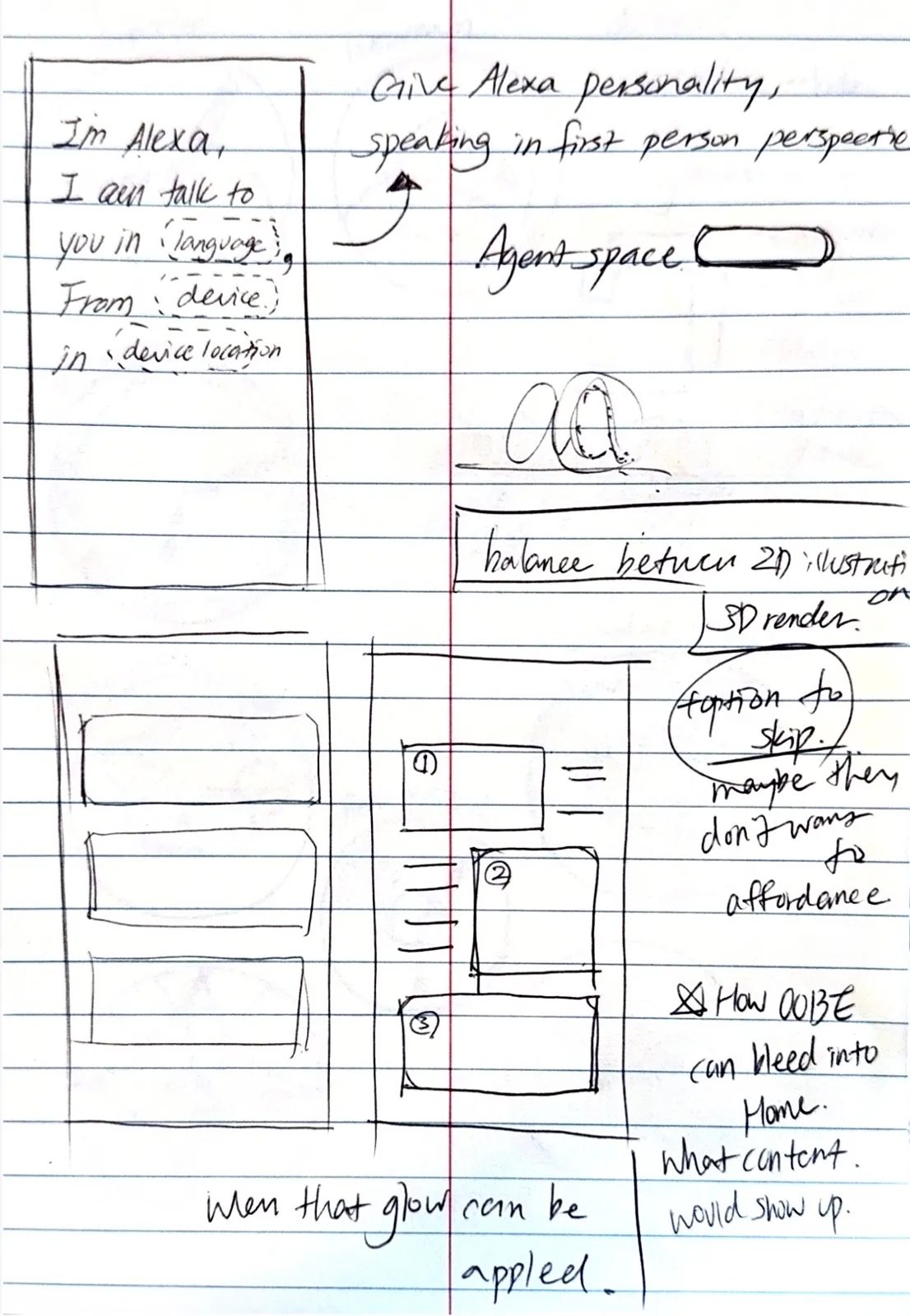
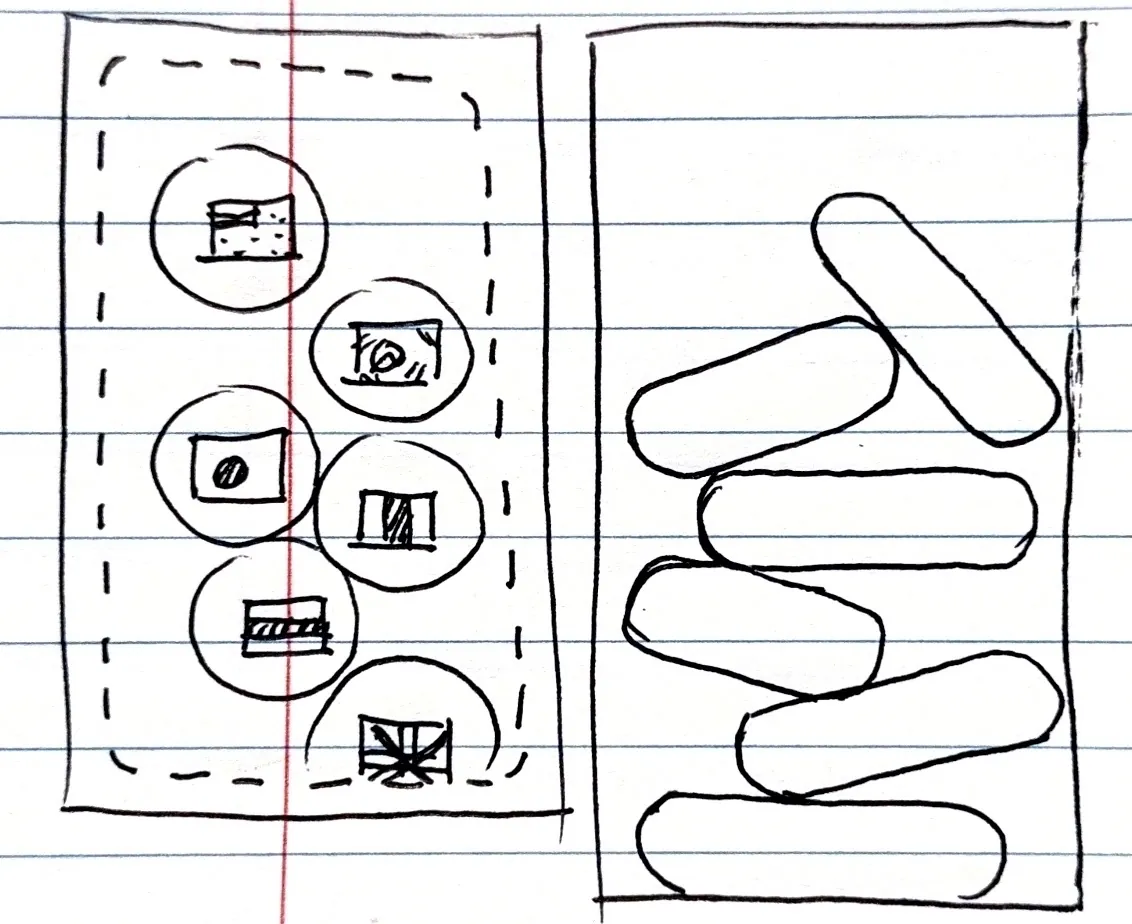
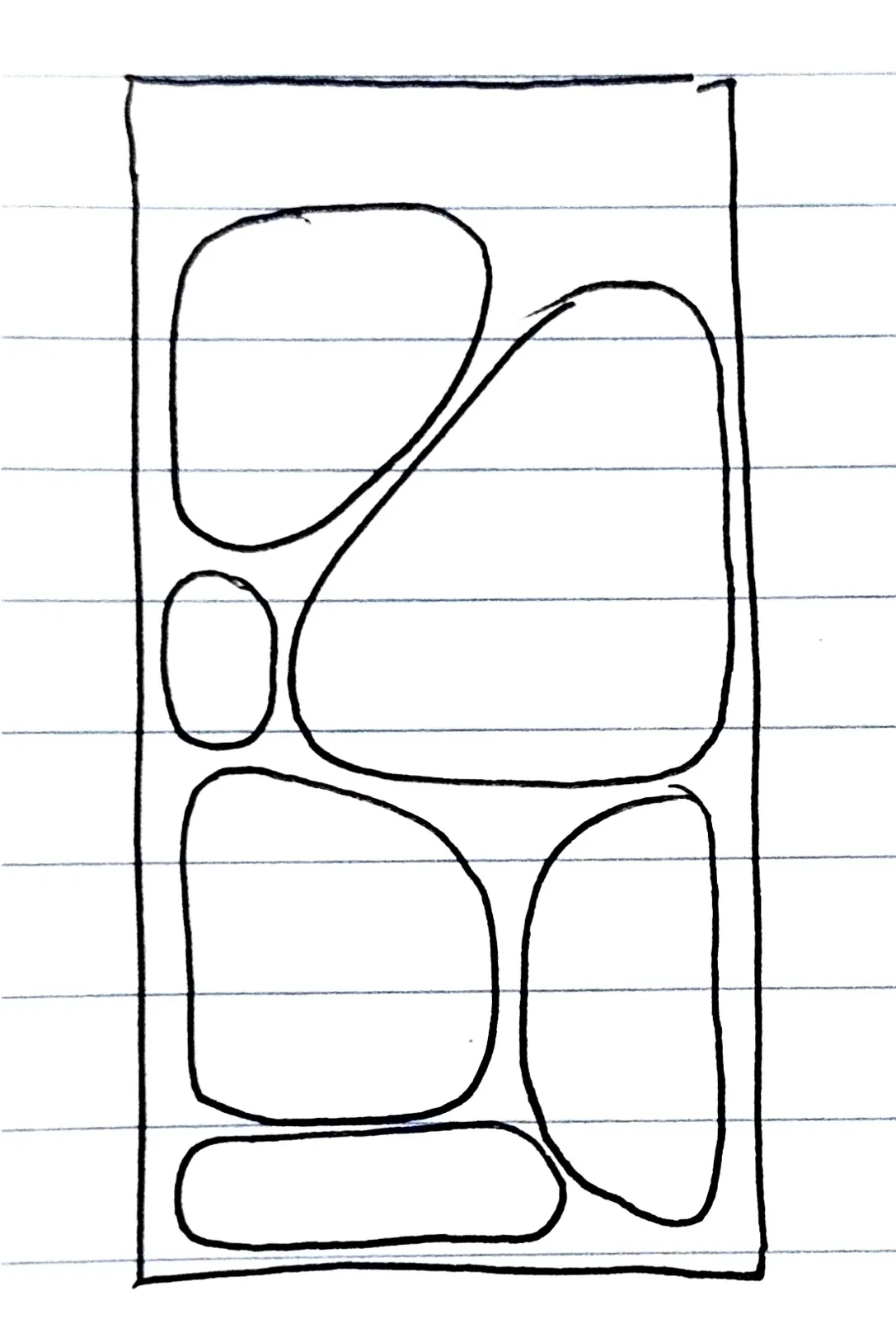
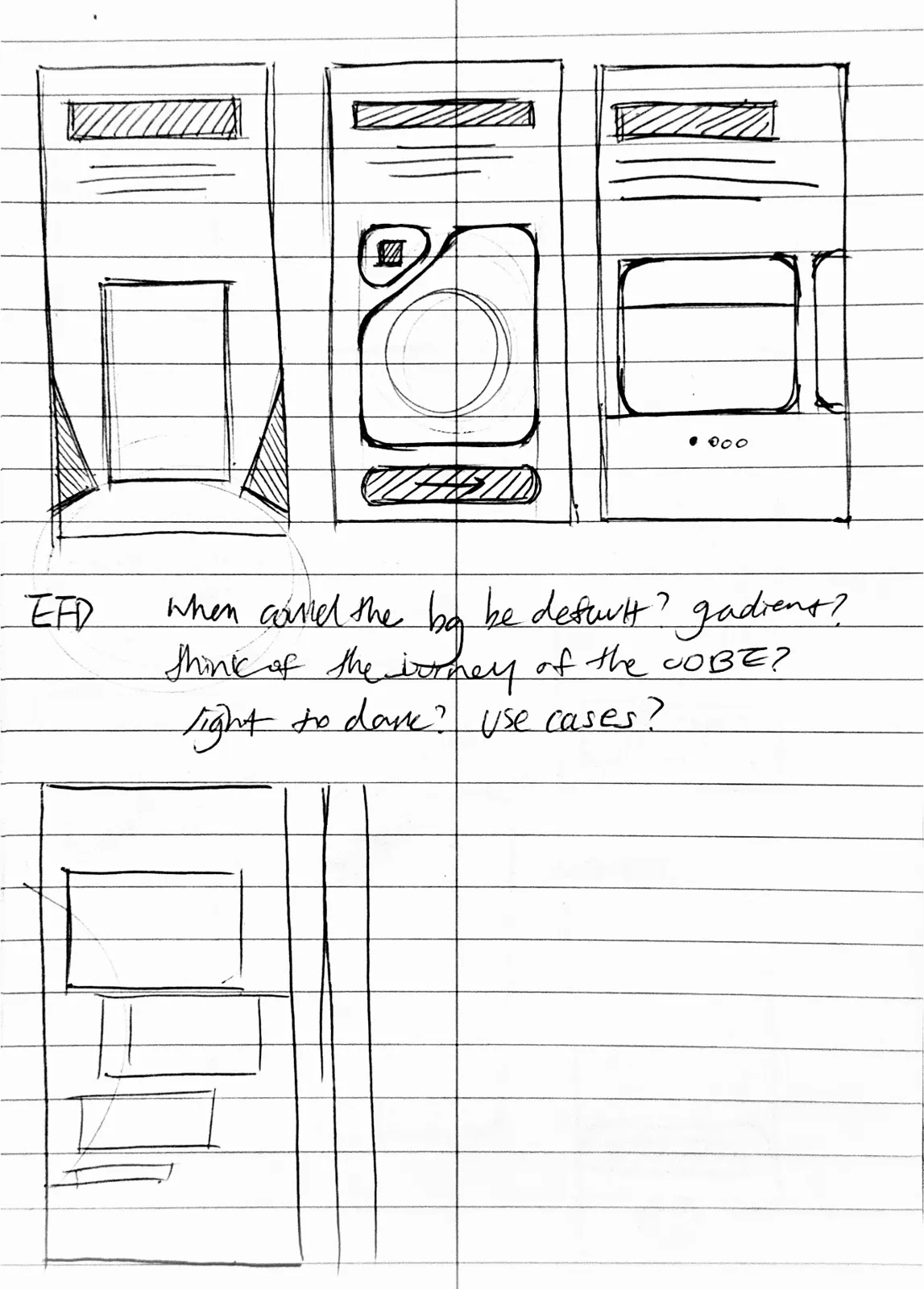
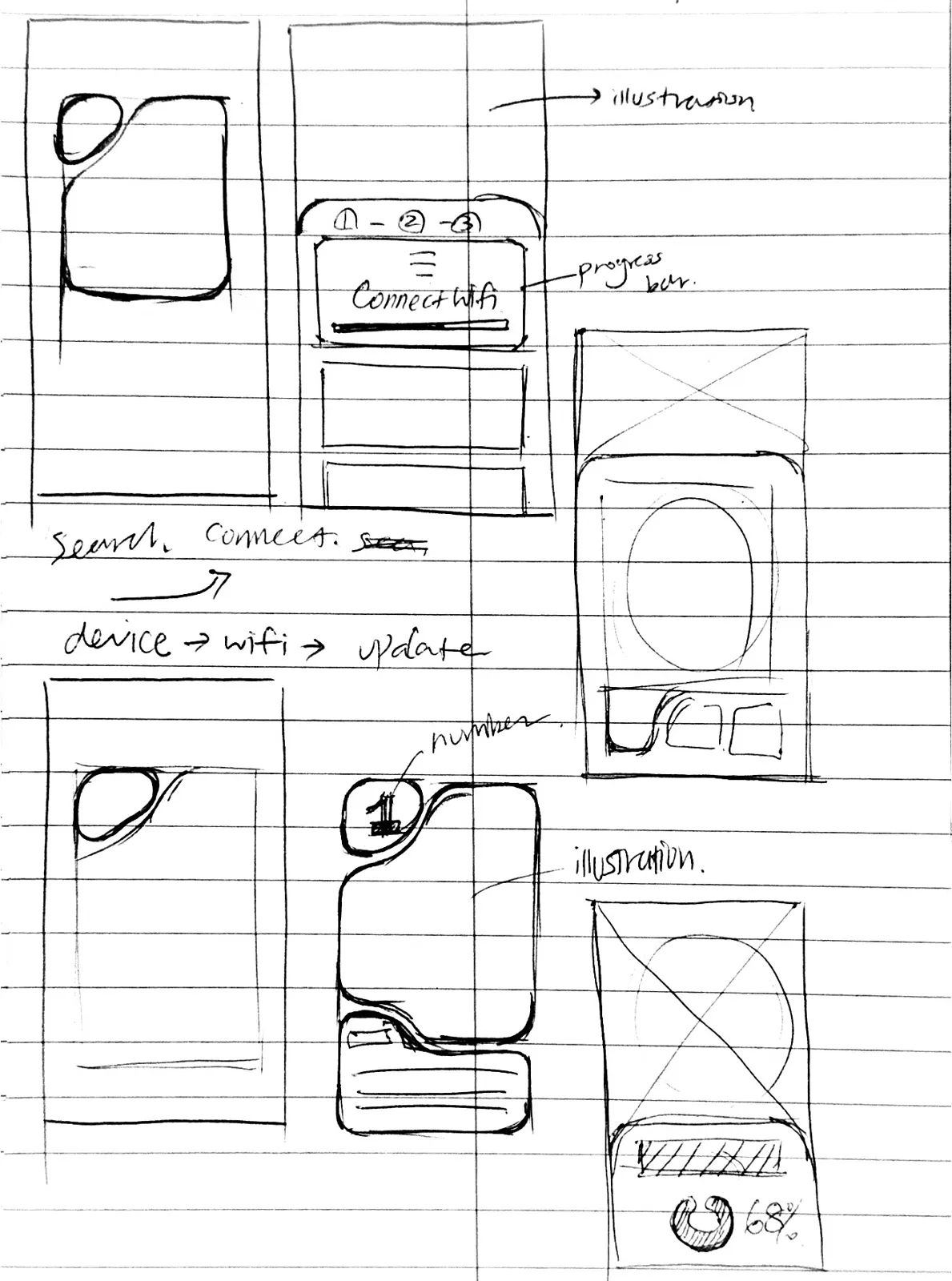
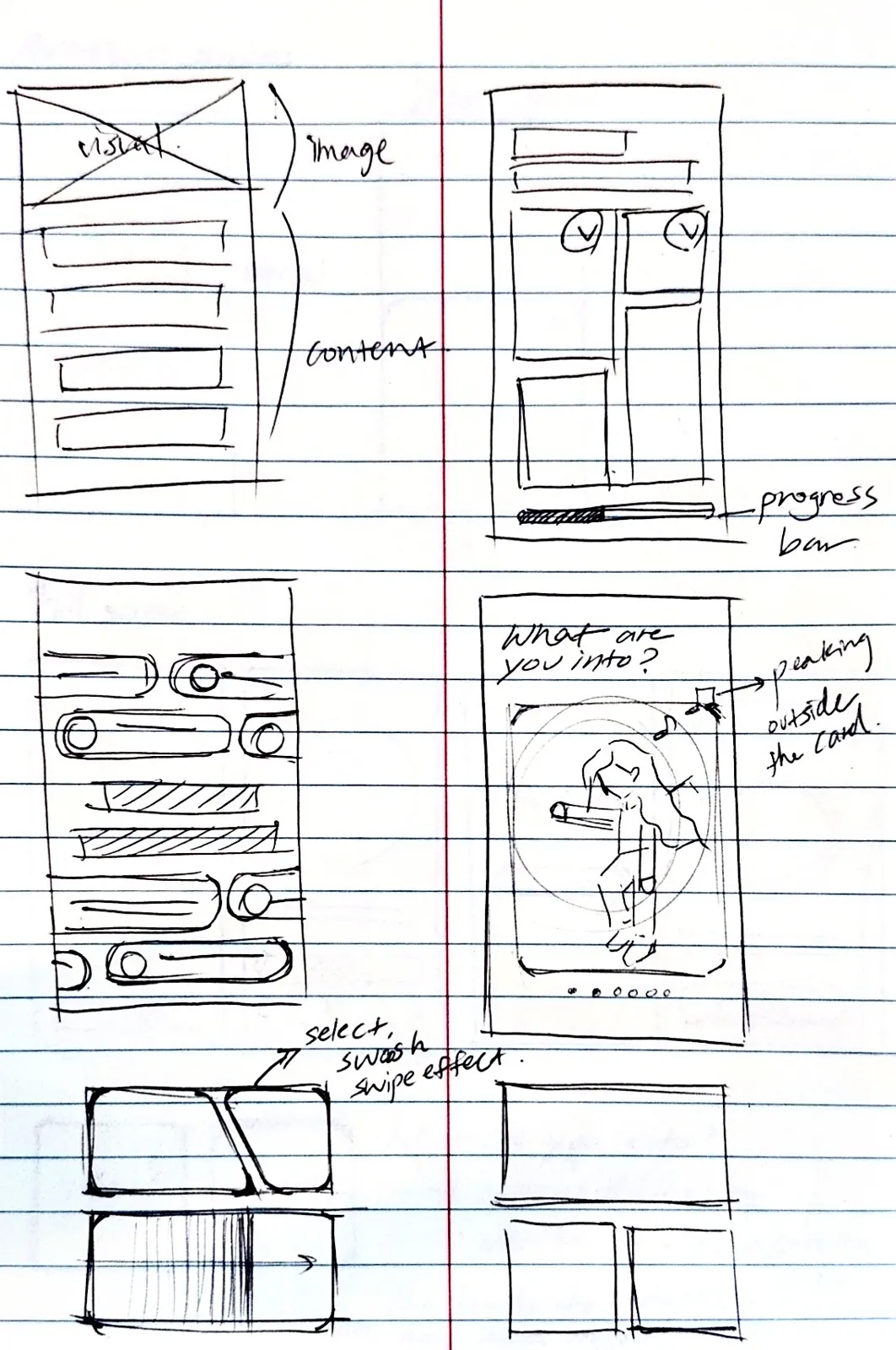
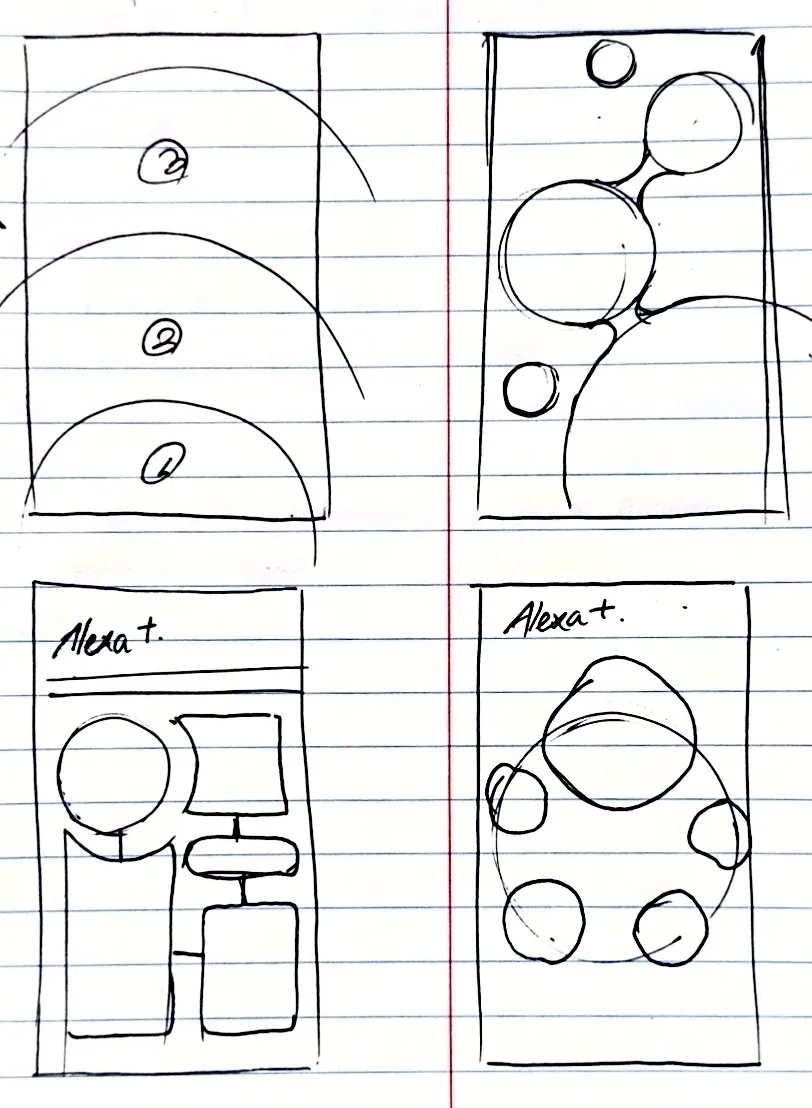

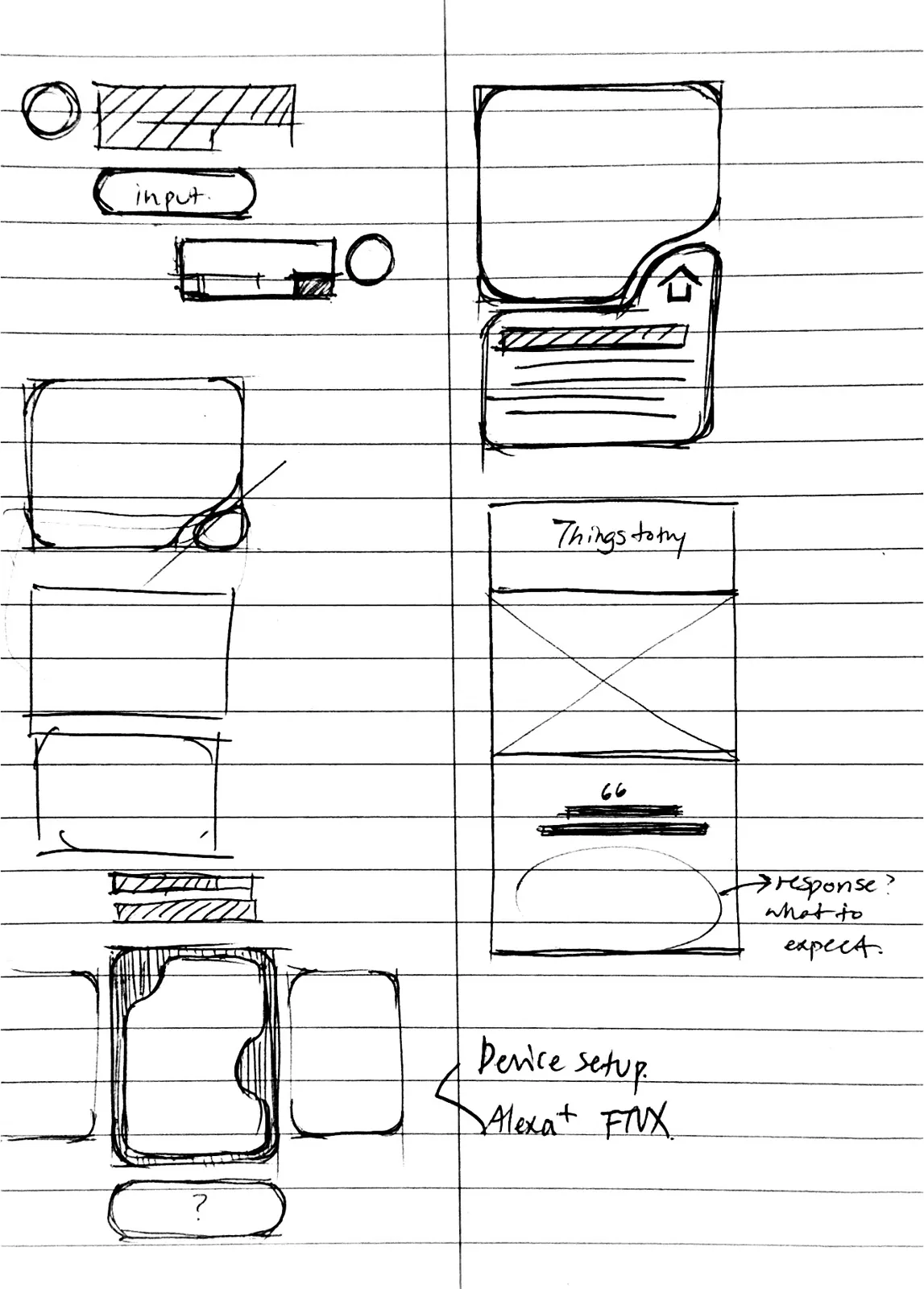
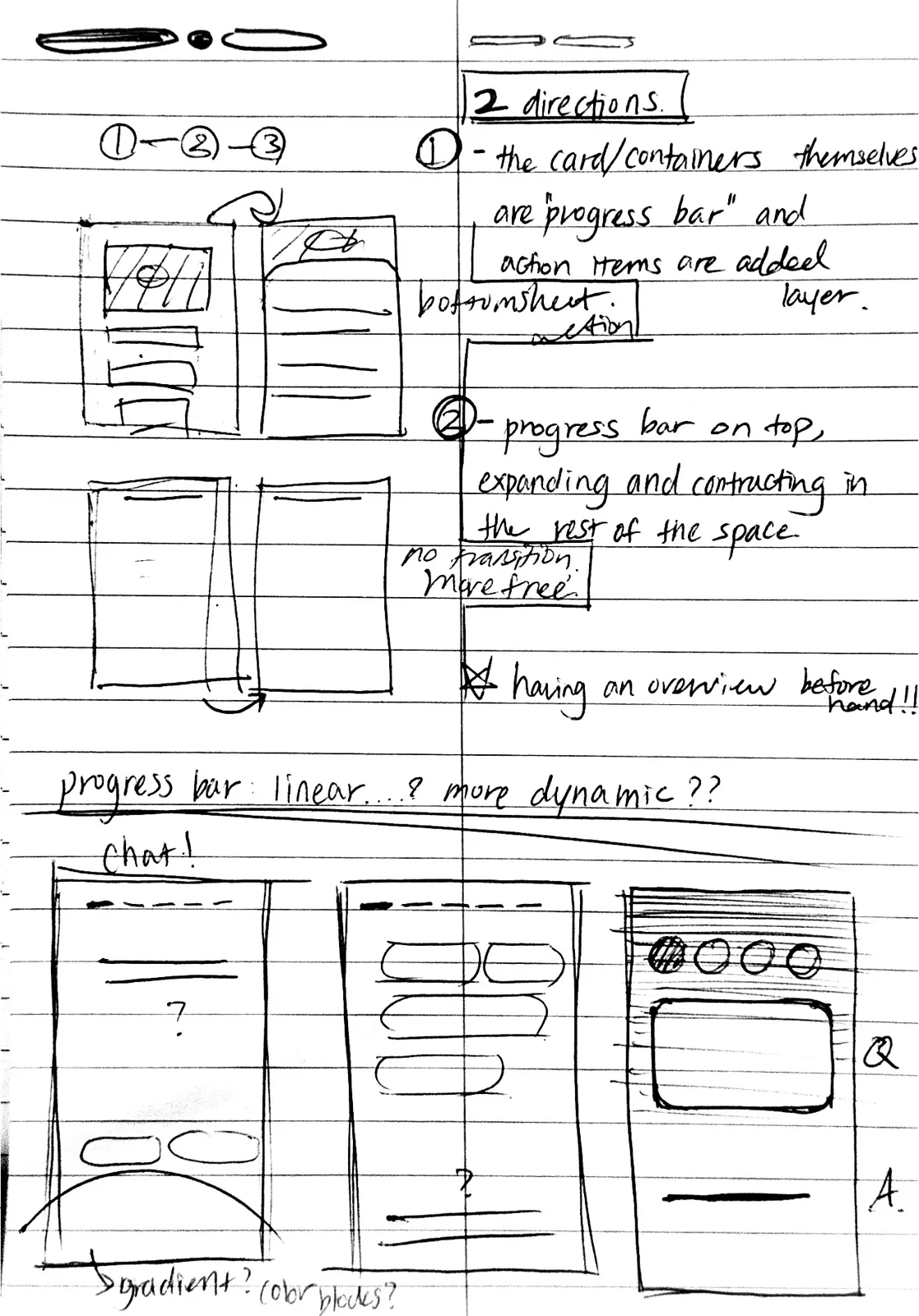
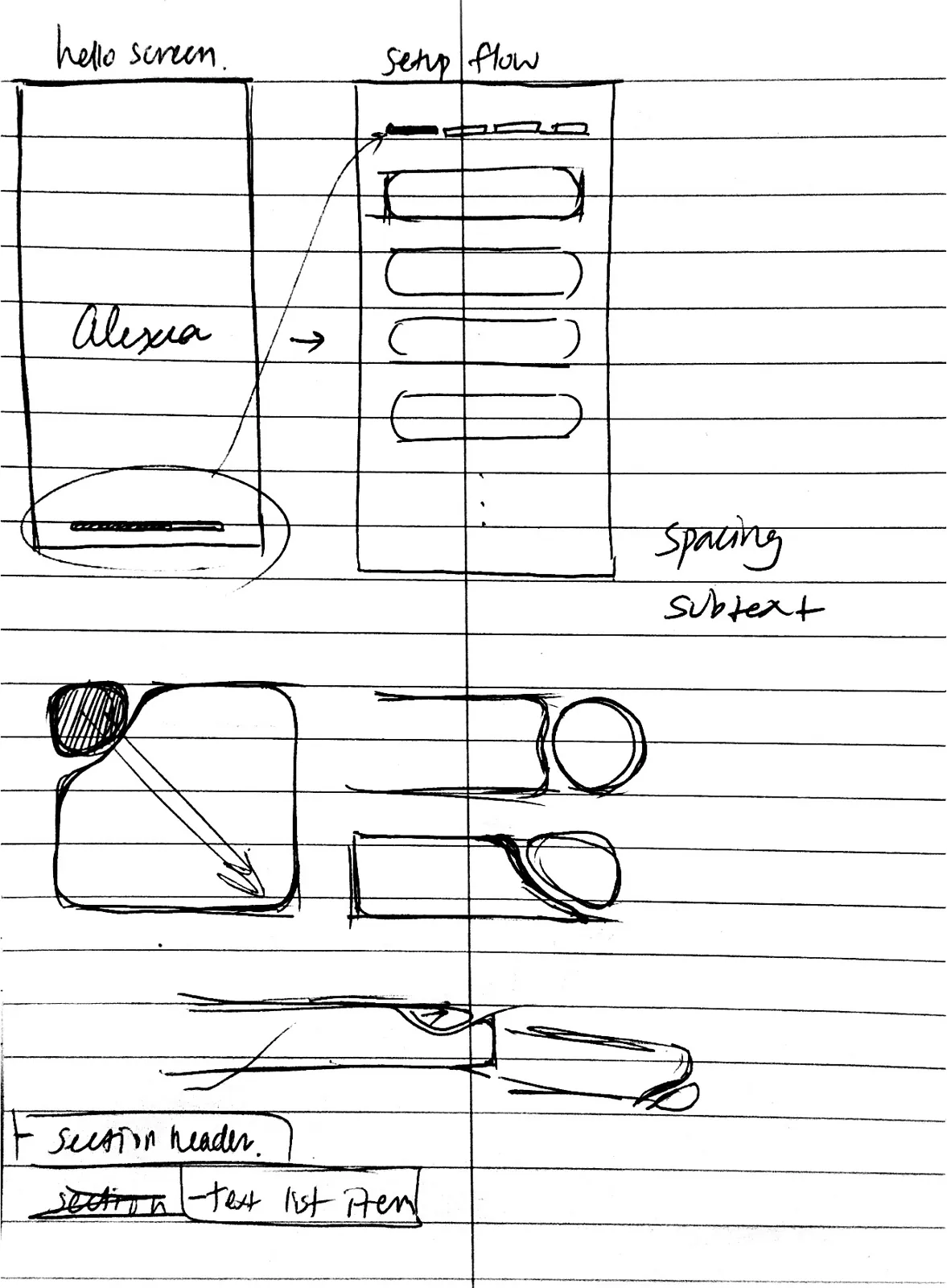
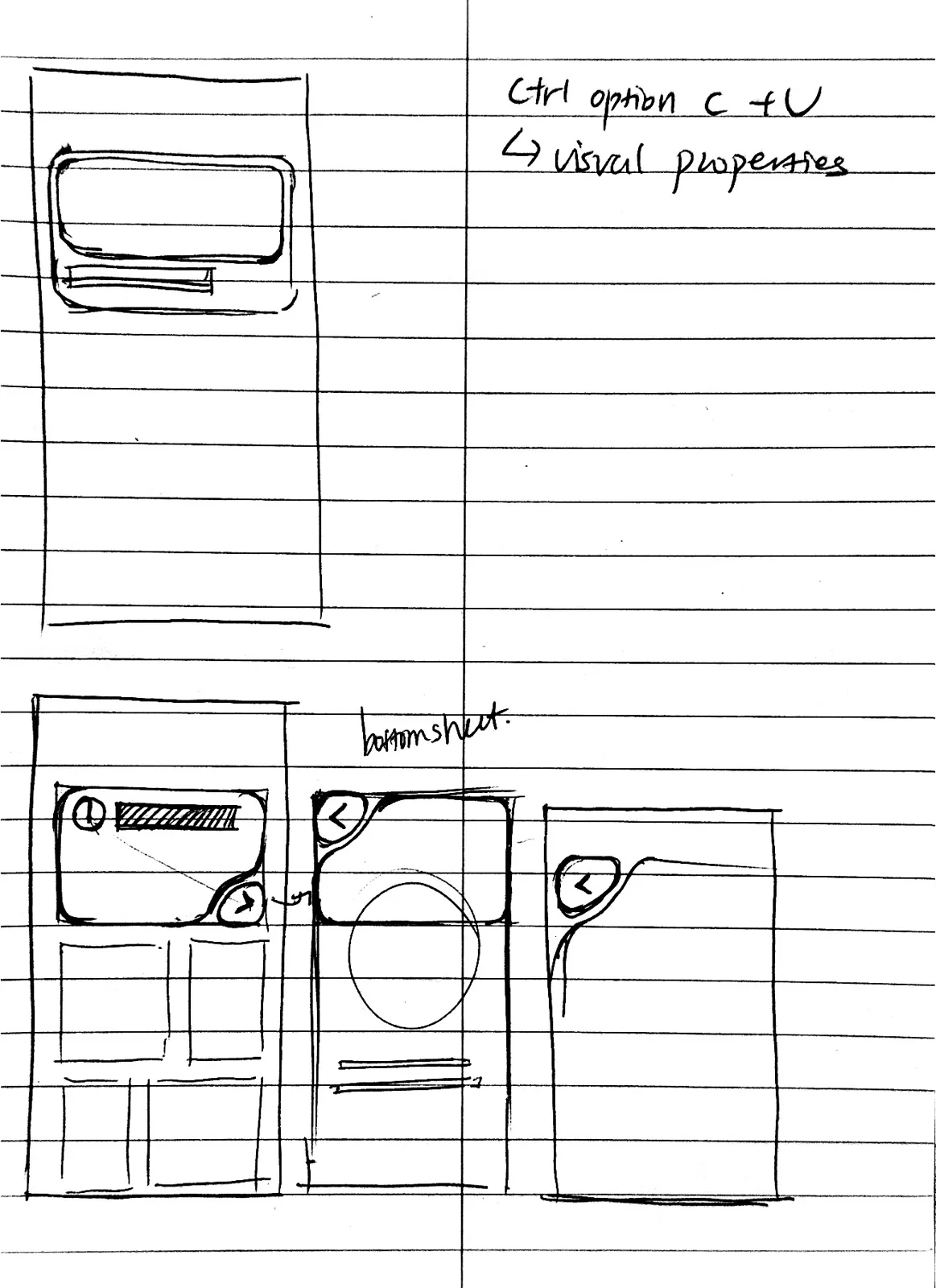
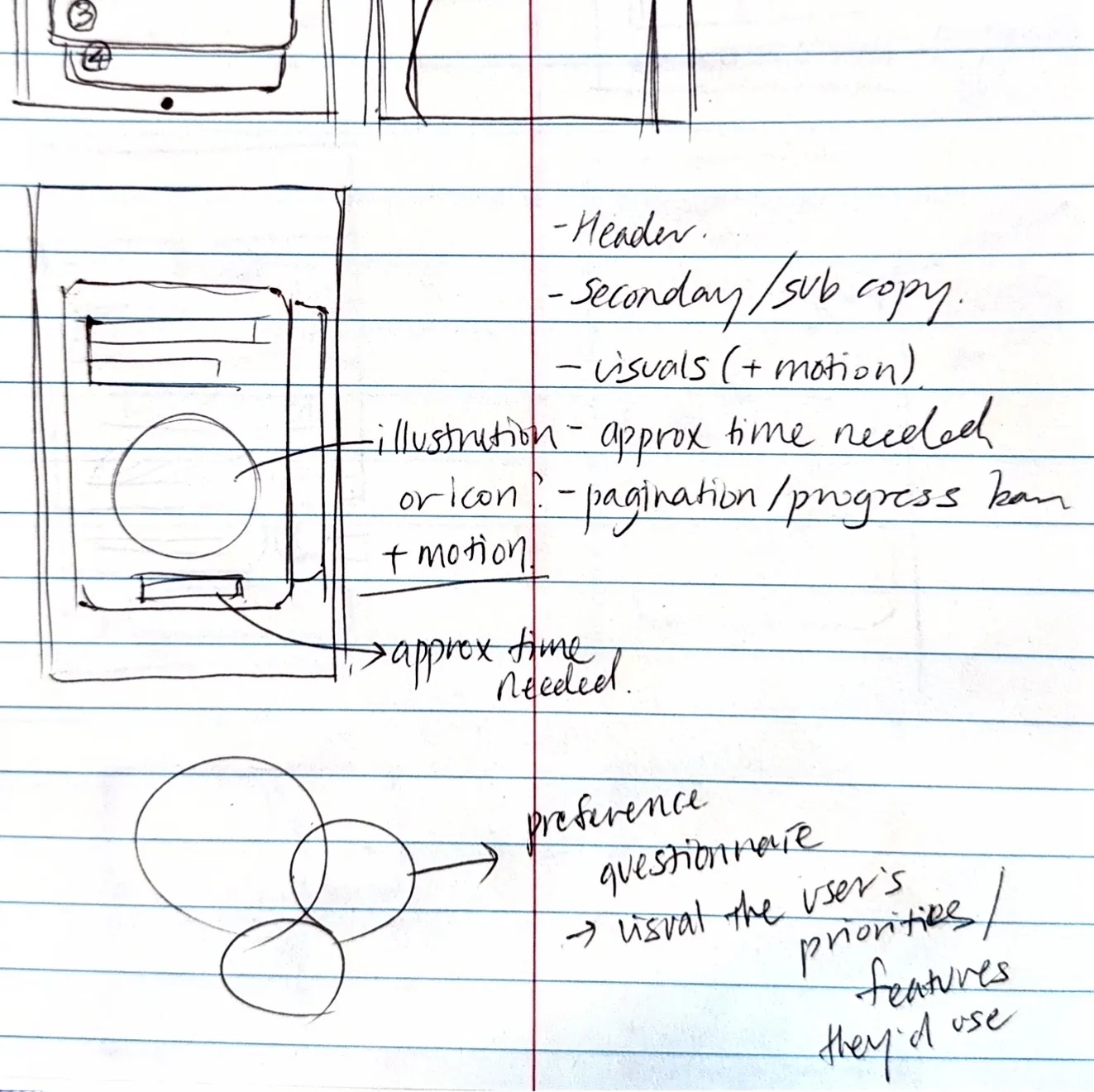
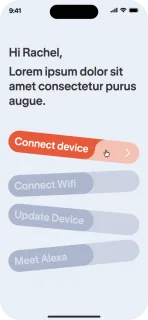
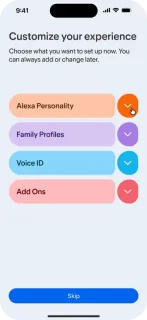
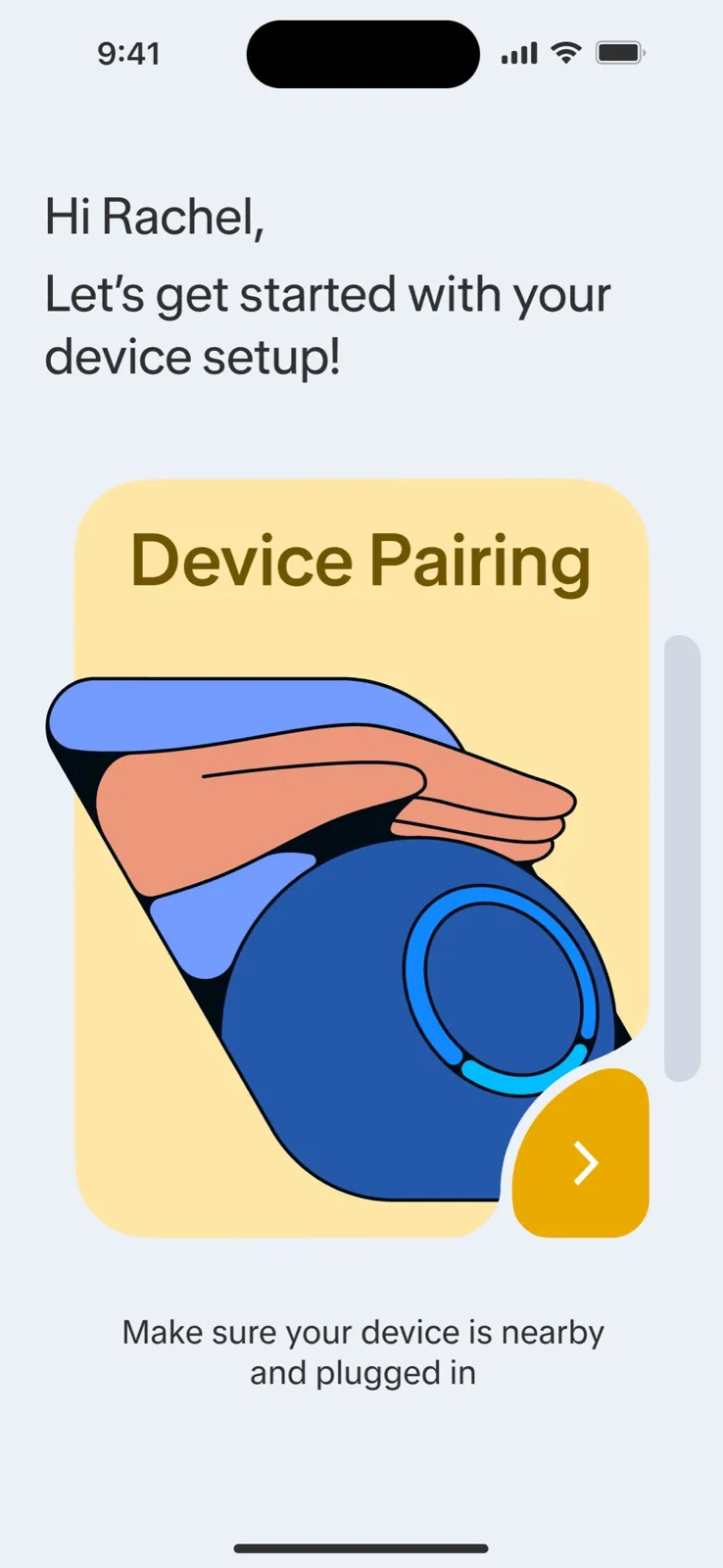
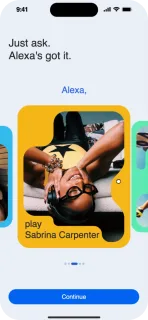
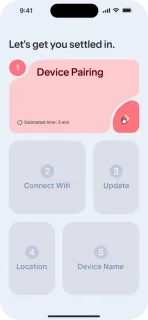
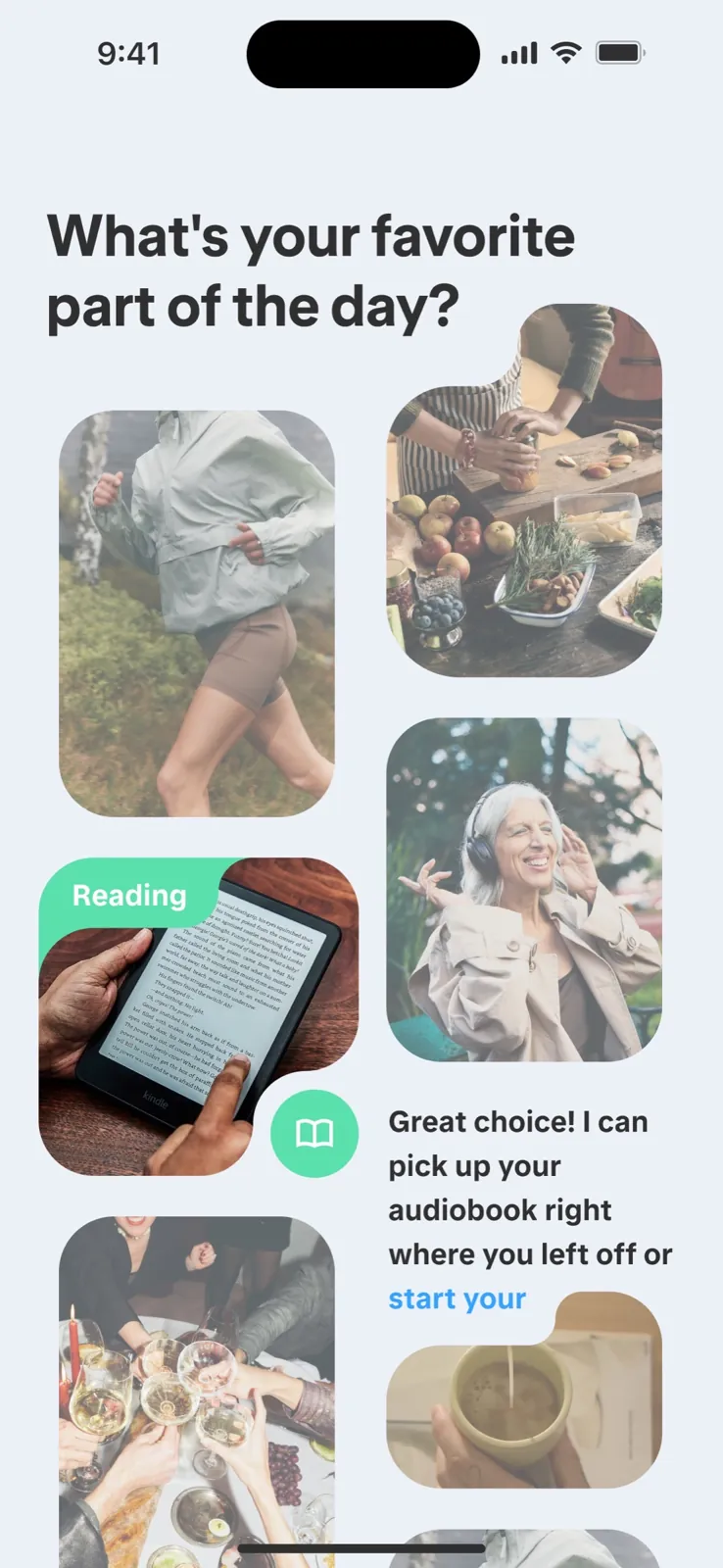
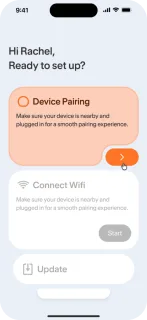
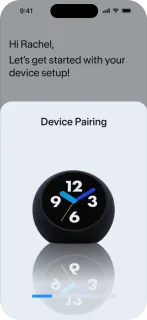
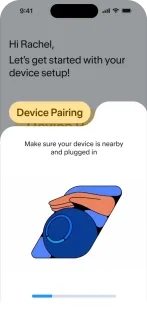
Final outcome | 02 highlights
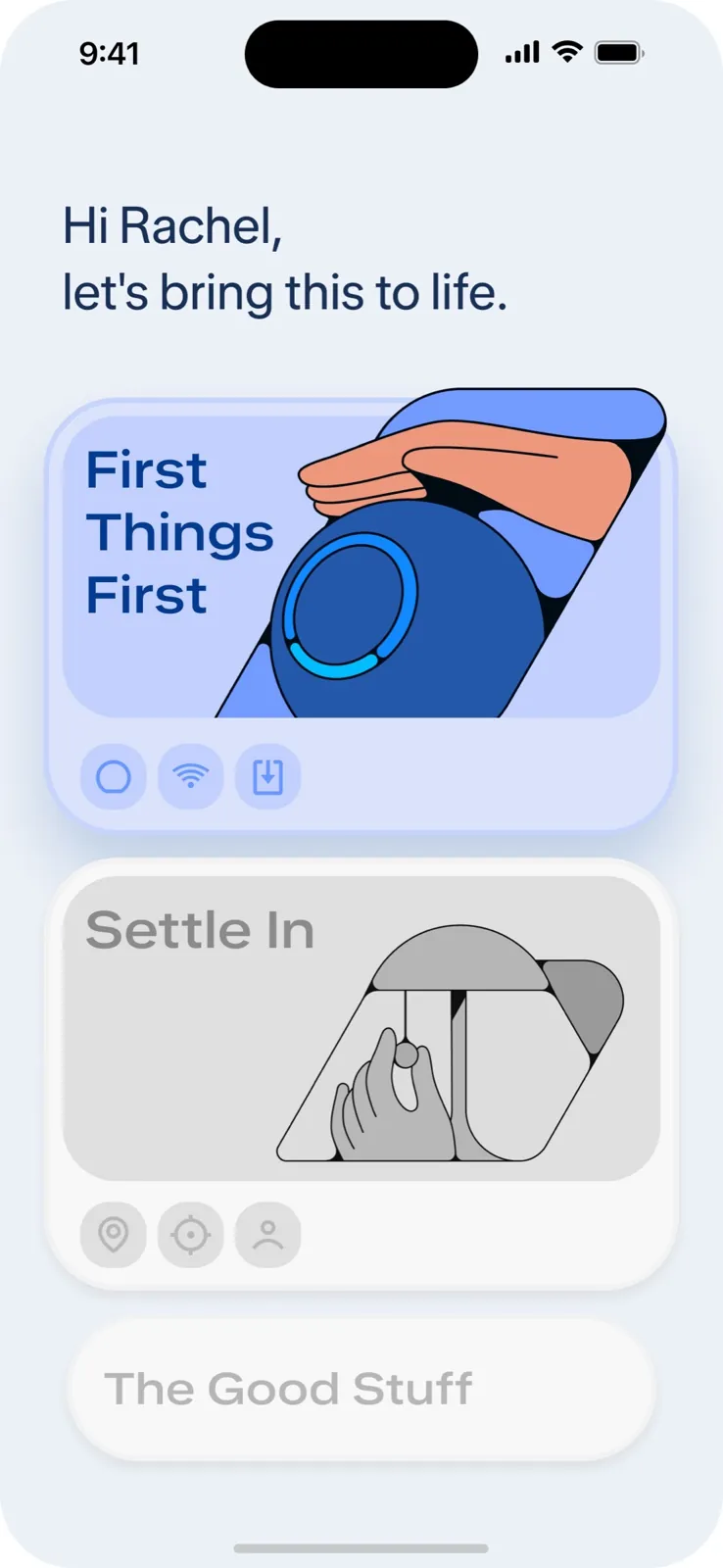
1
2
3
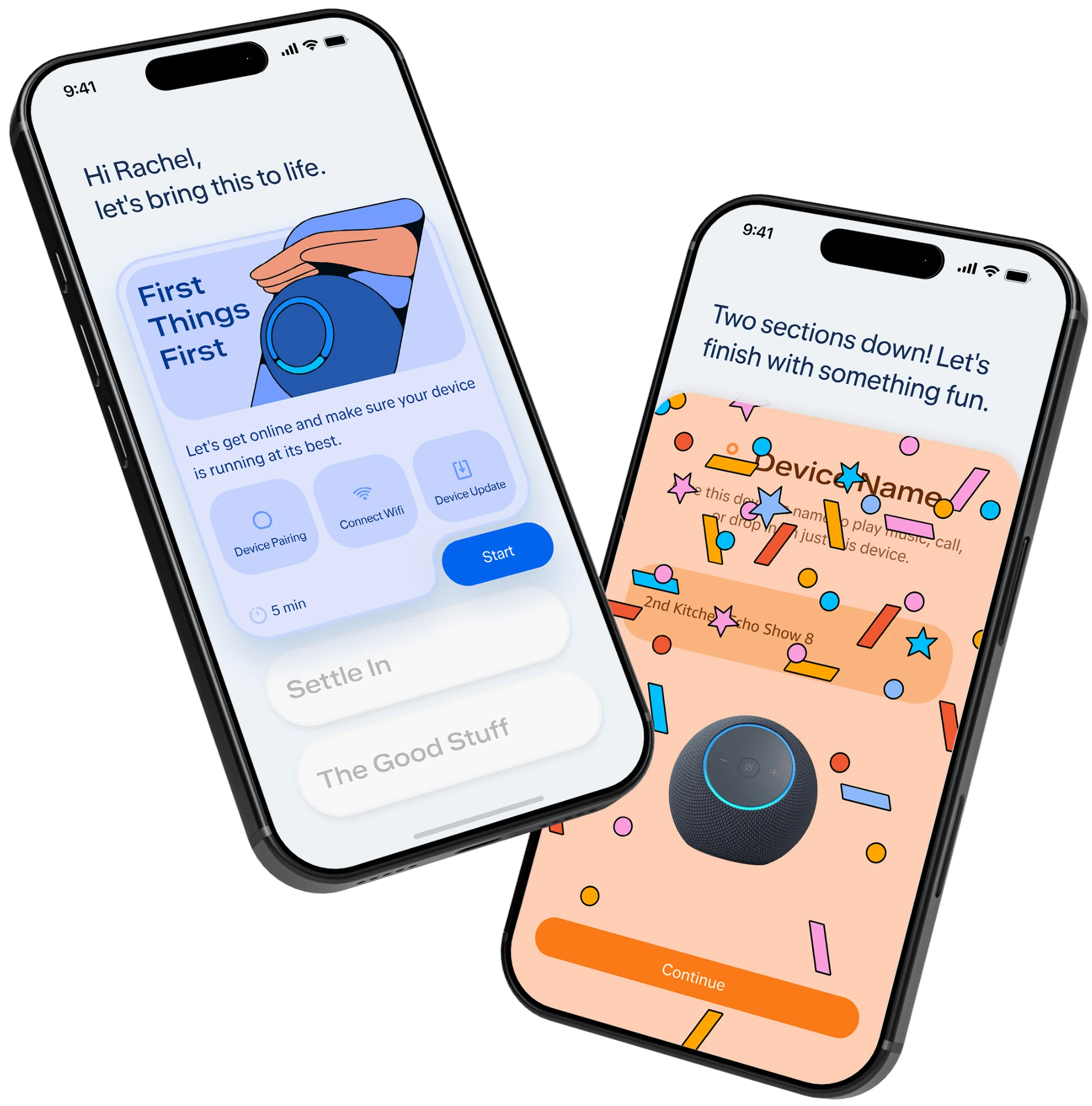
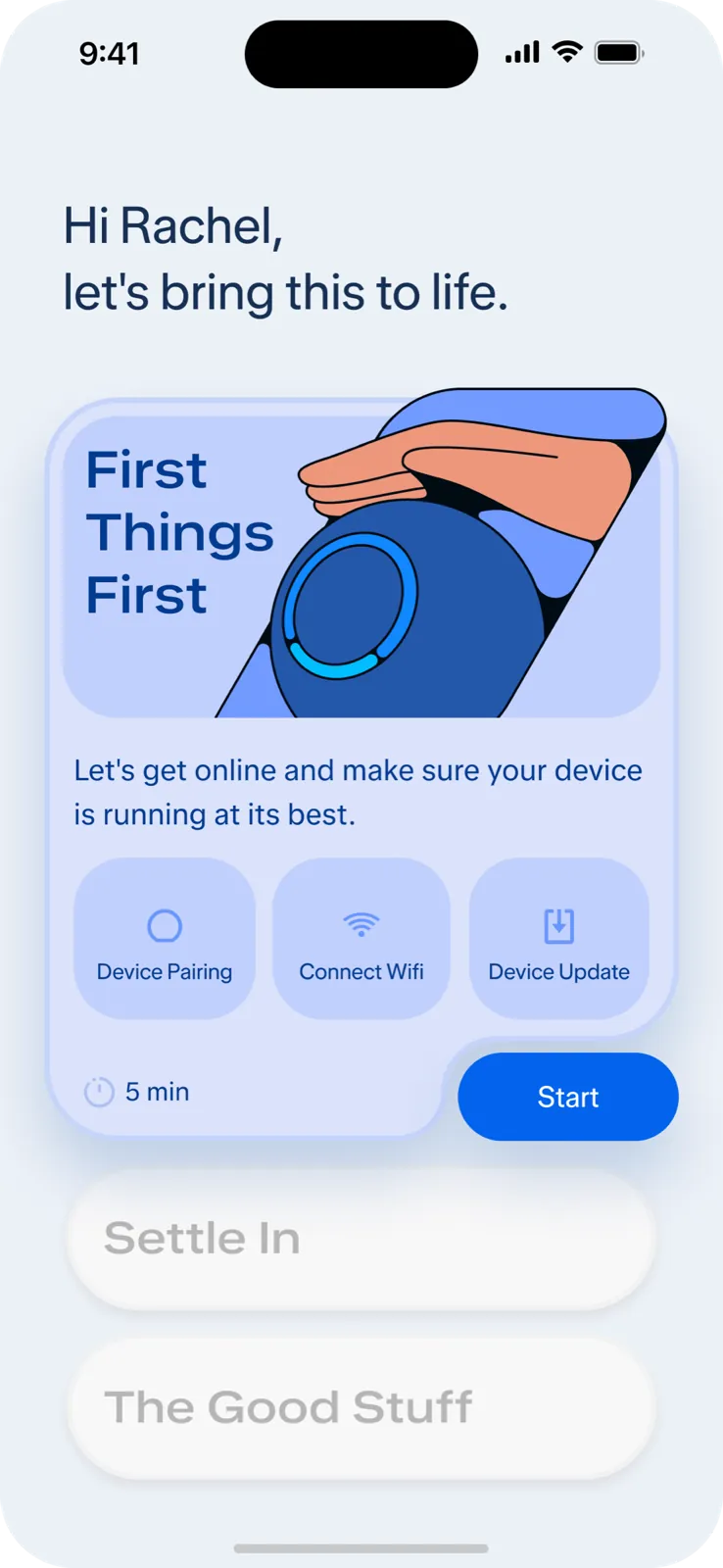
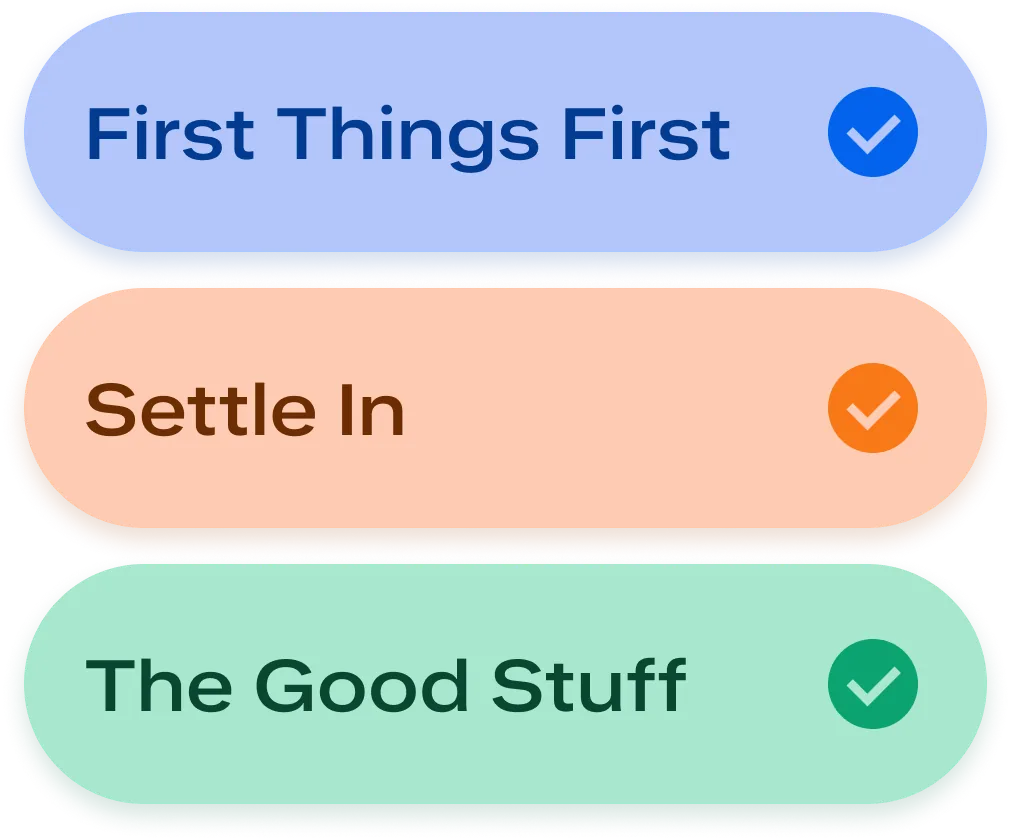
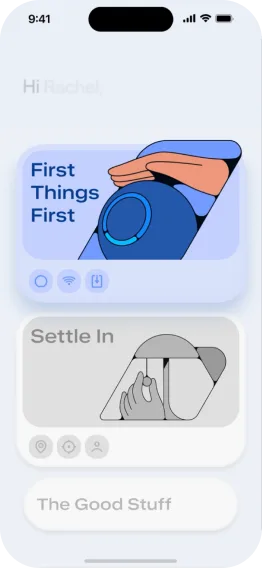
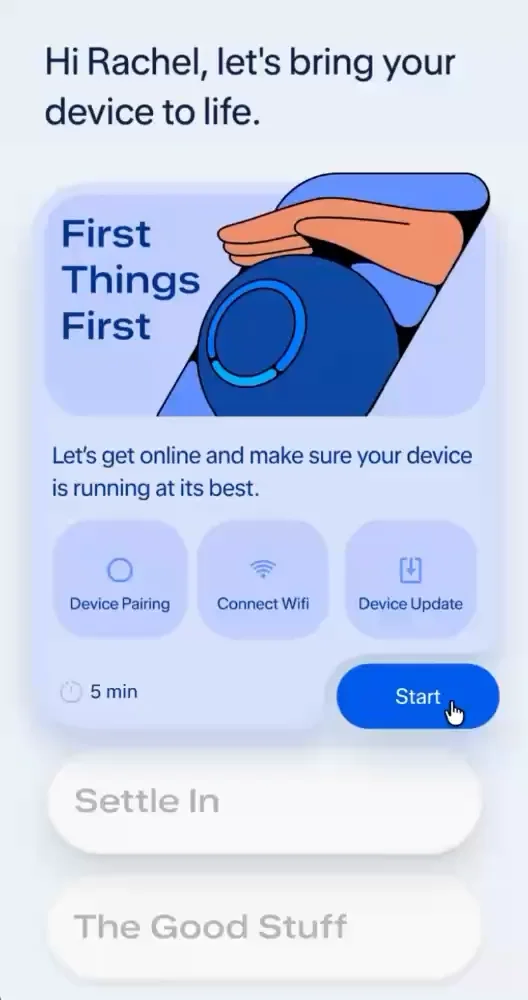
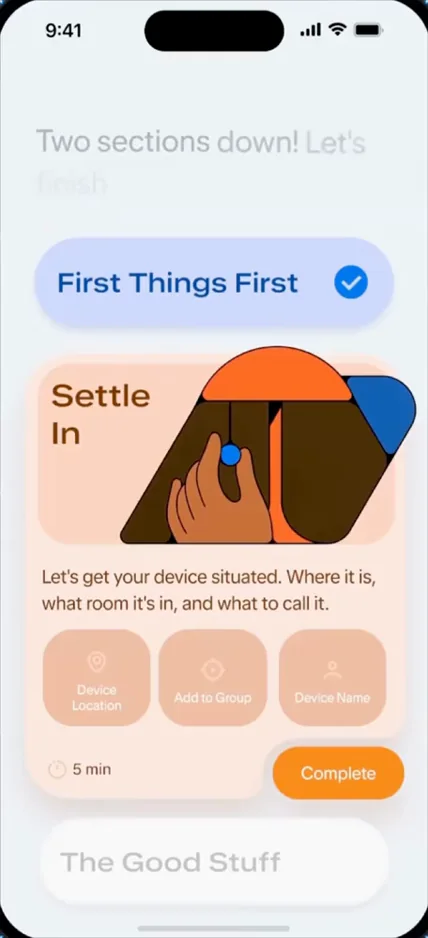
First Things First

Device Pairing

Connect Wifi

Device Update
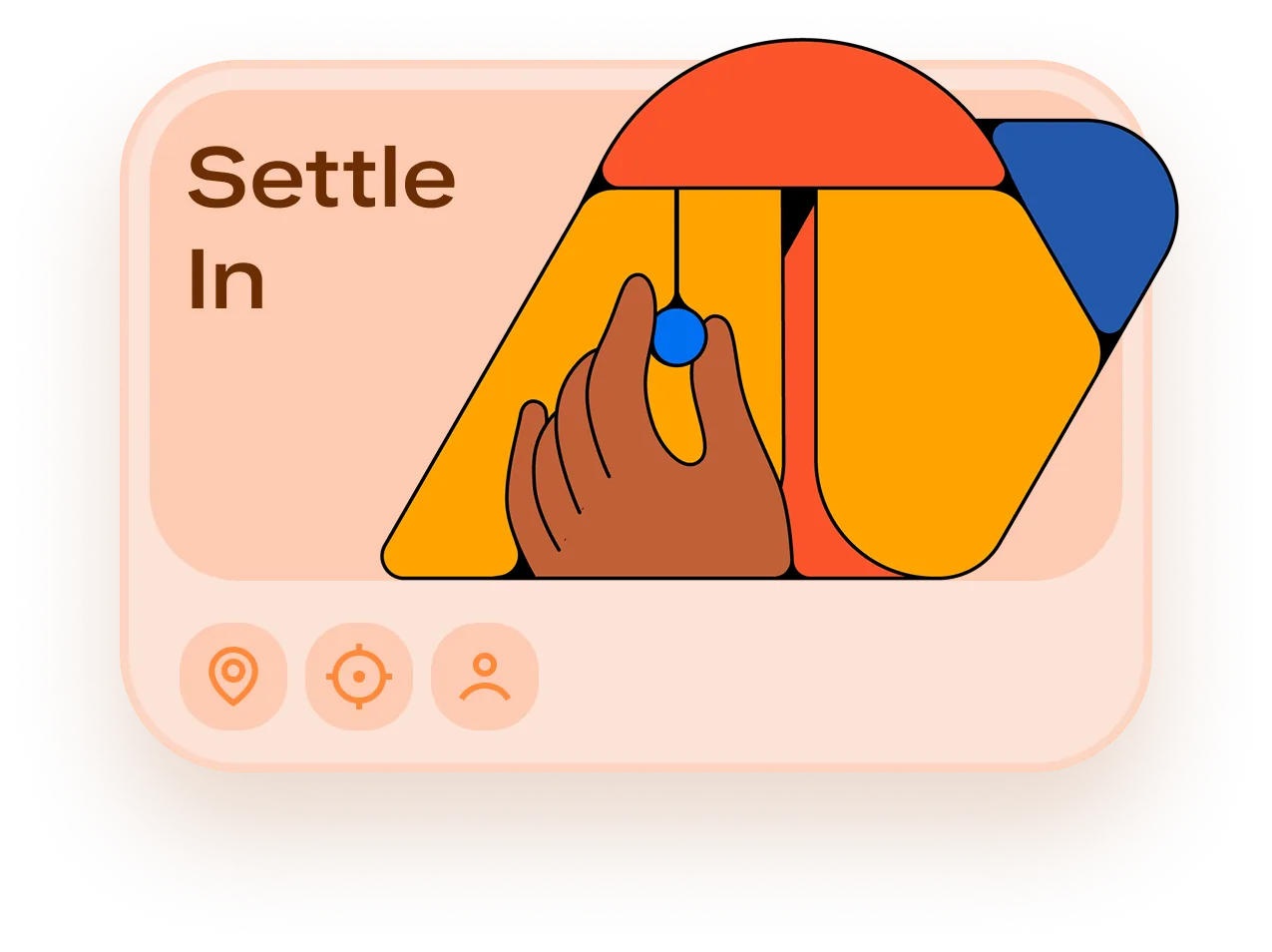
Settle In

Add to Group

Device Name

Device Location
The Good Stuff

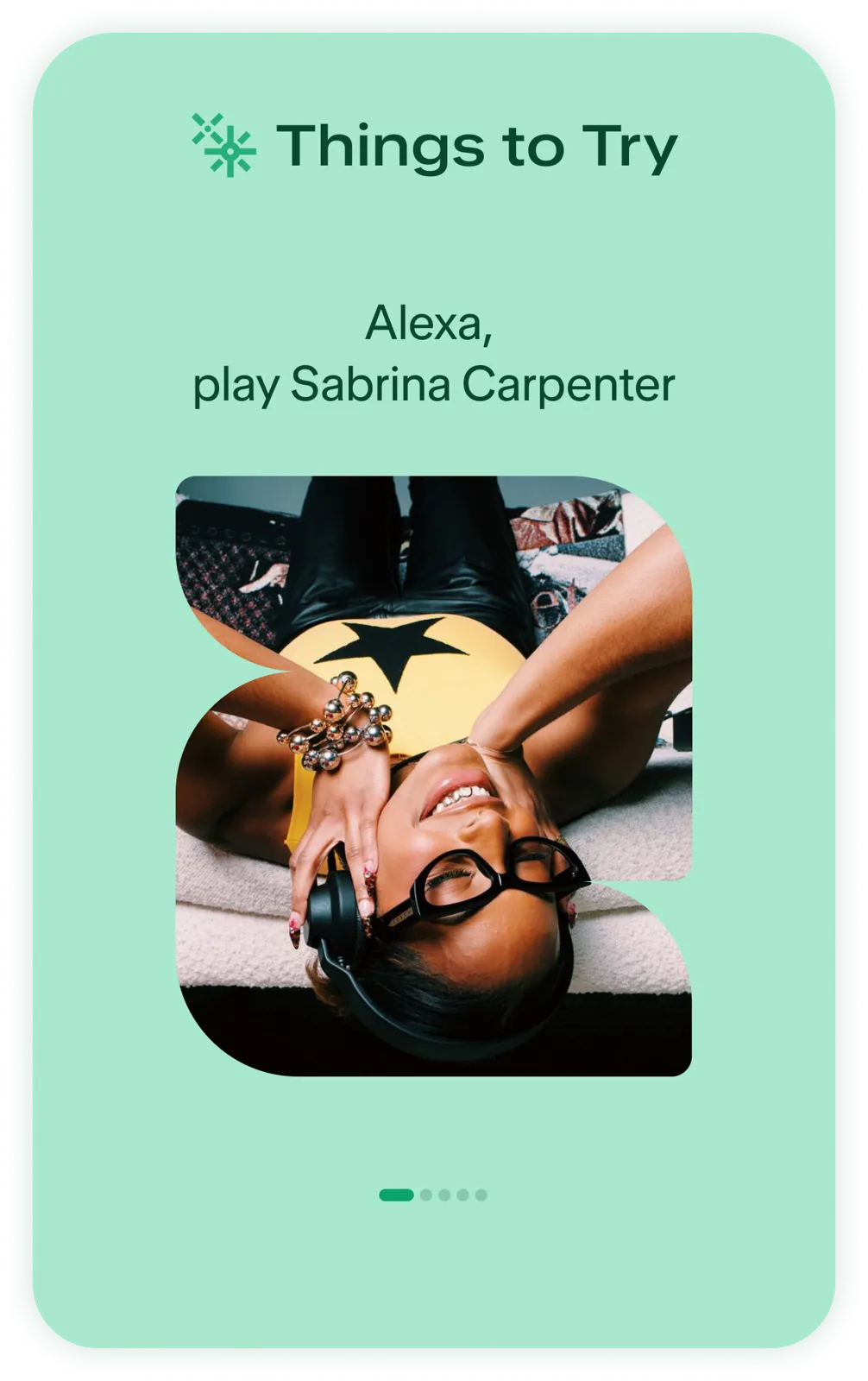
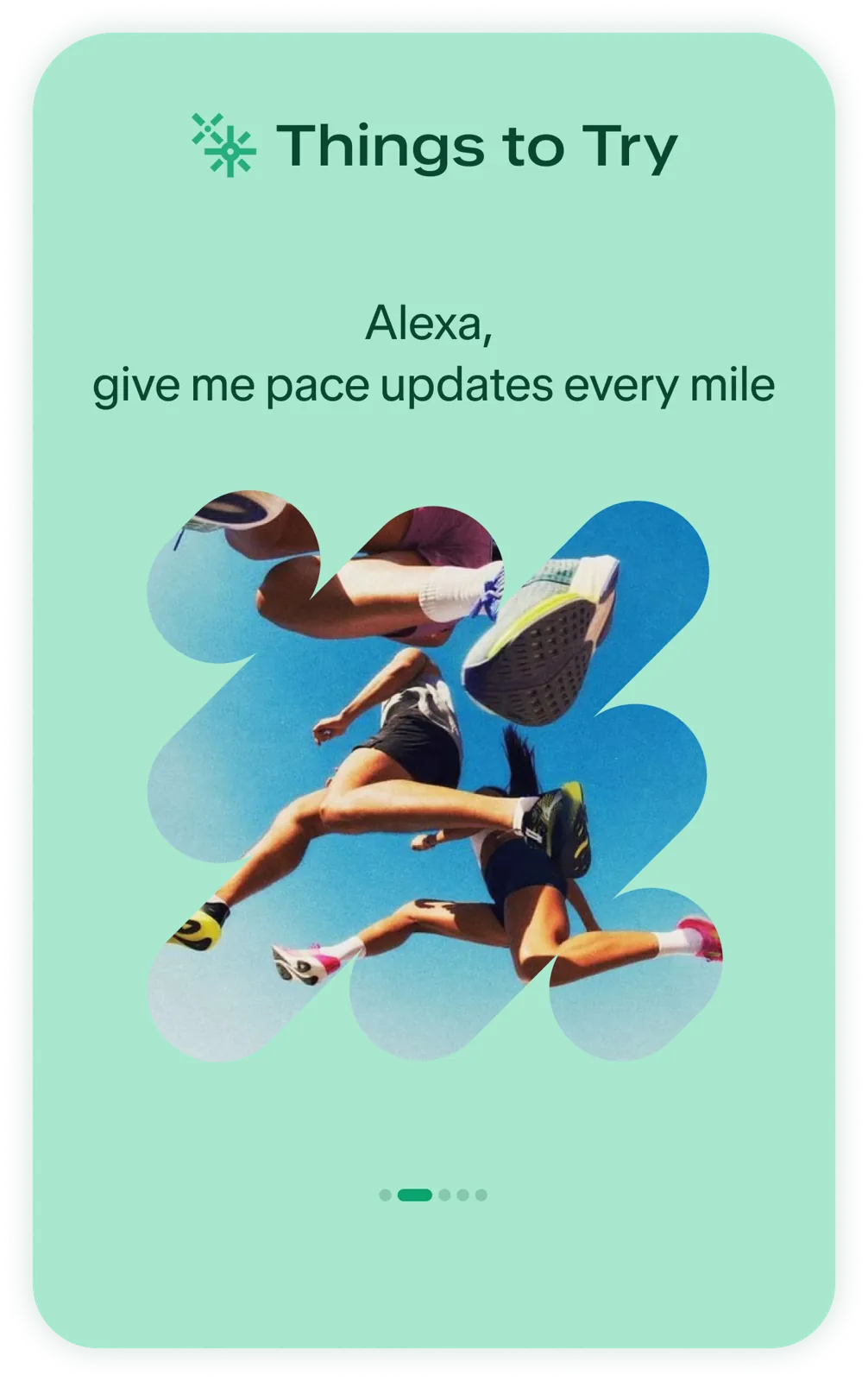
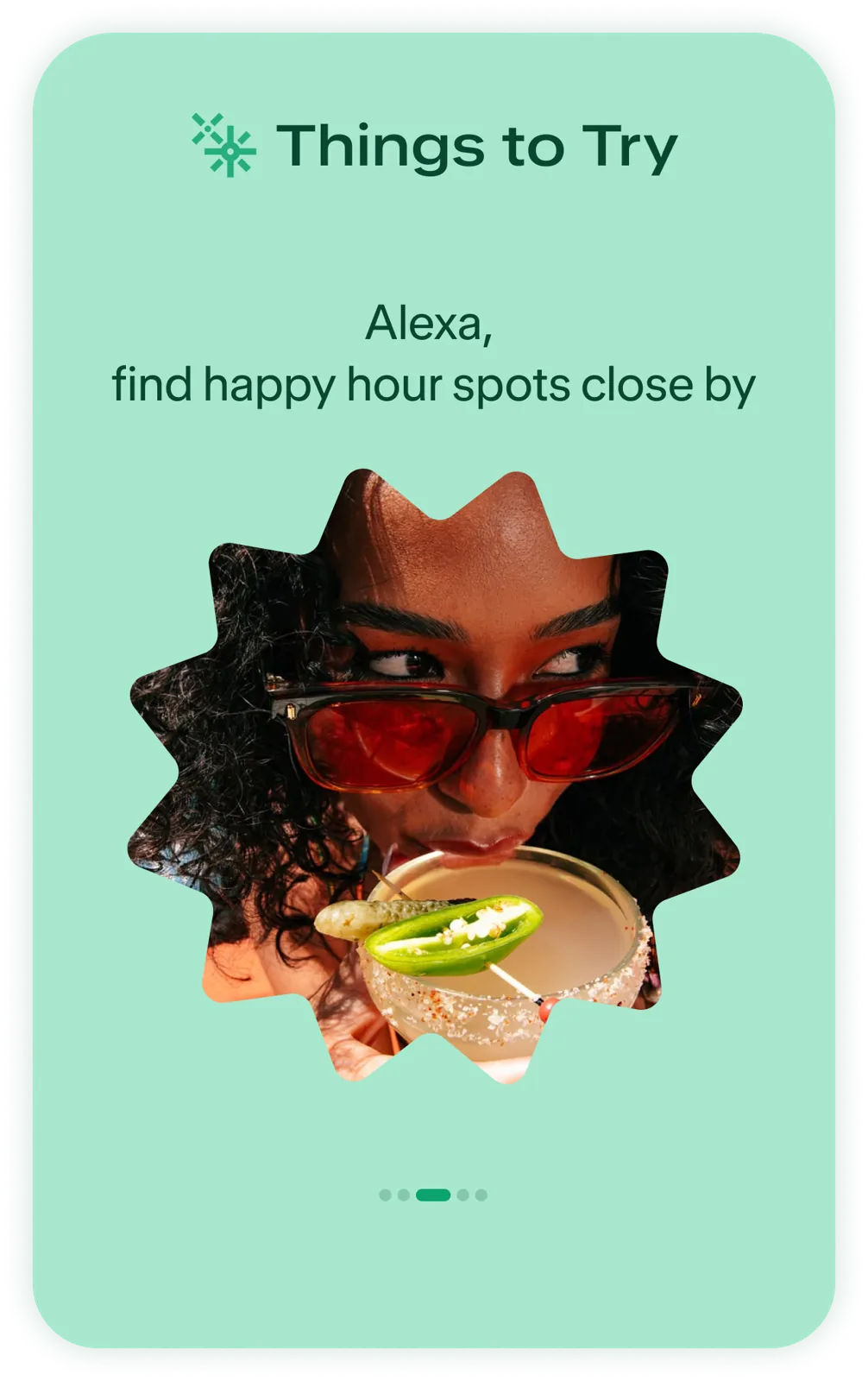
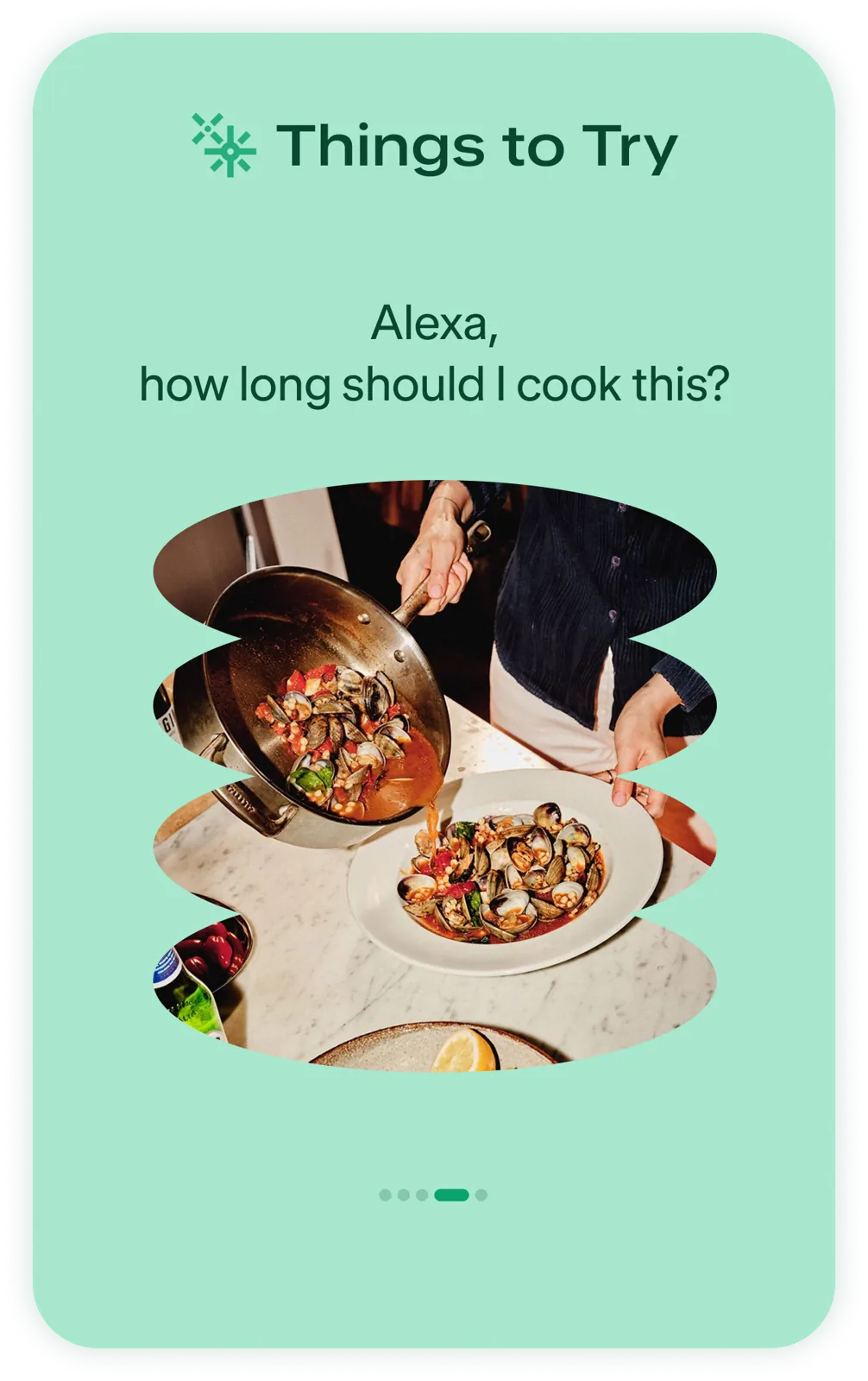
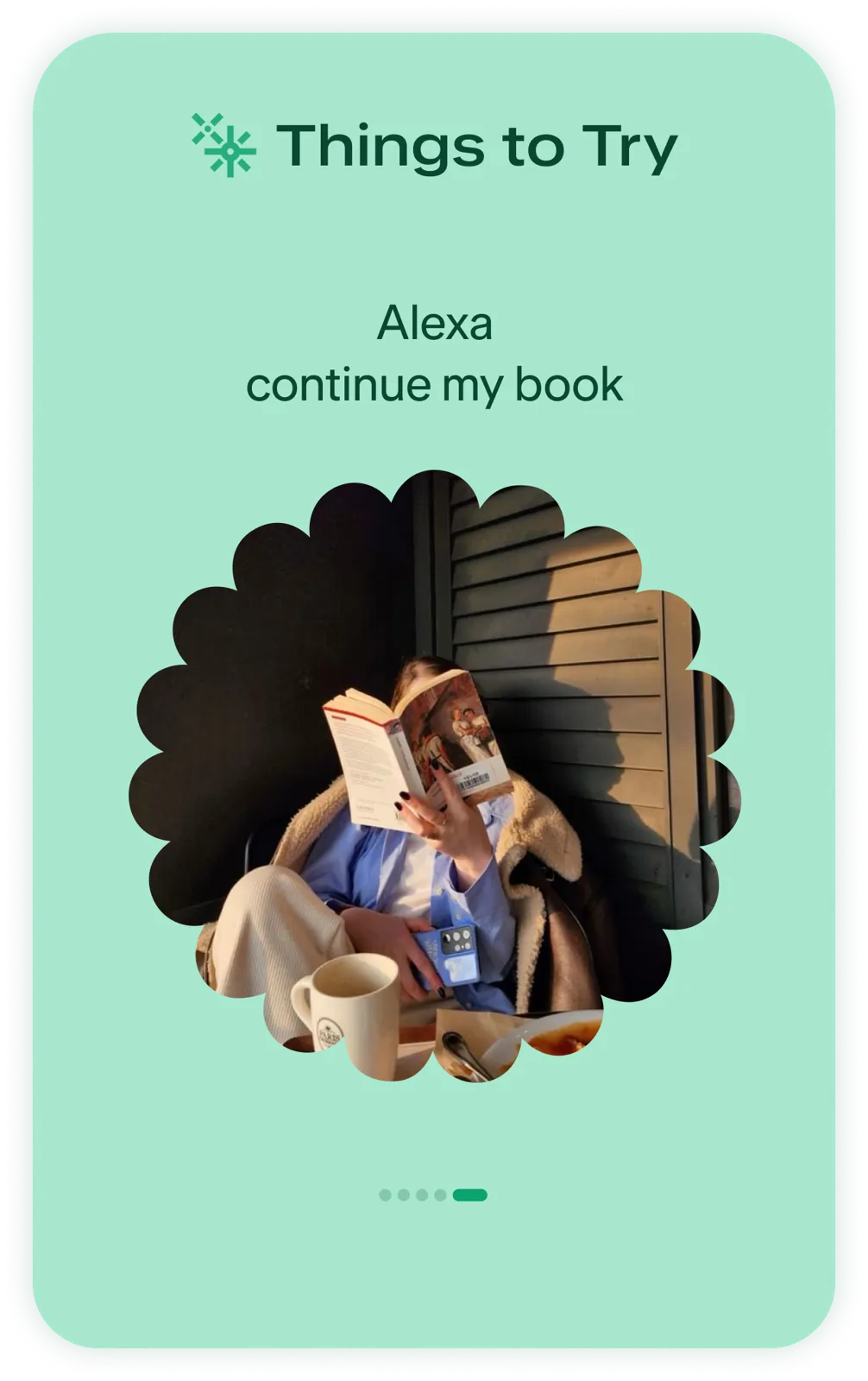
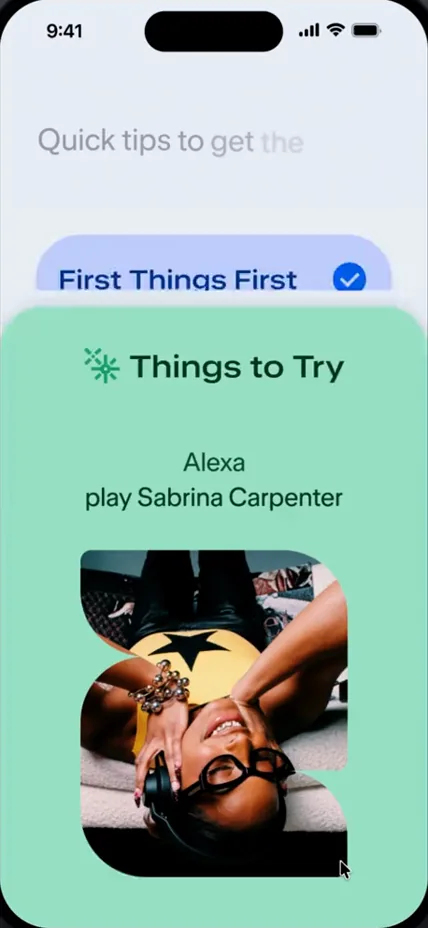
Things to Try


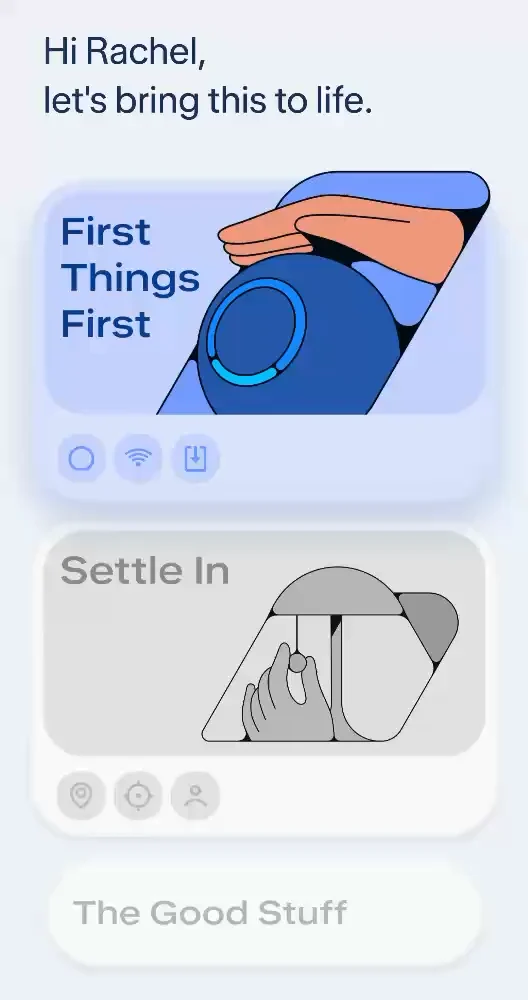
Shows the full setup journey upfront

→ Helps users understand where they are and what’s ahead
Groups 7 steps into 3 chapters
→ Reduces cognitive load and creates a clearer mental model
Make the Journey Clear
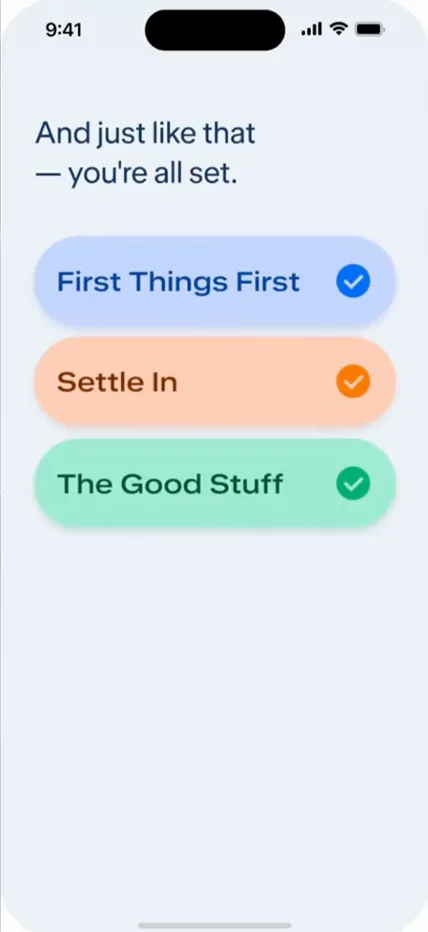
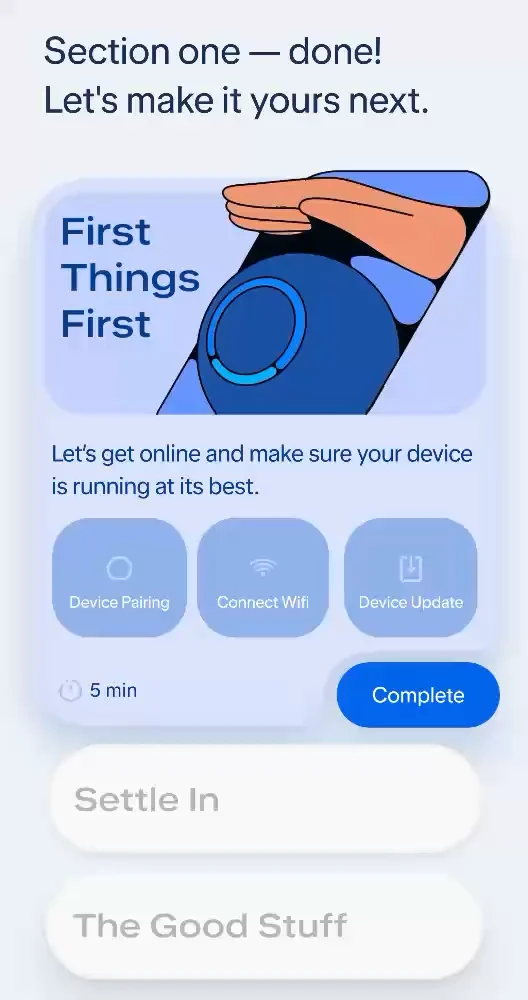
Celebrate Progress
Groups completion into milestones
Agent acknowledge progress after each chapter
→ Makes progress feel visible, rewarding, and motivating
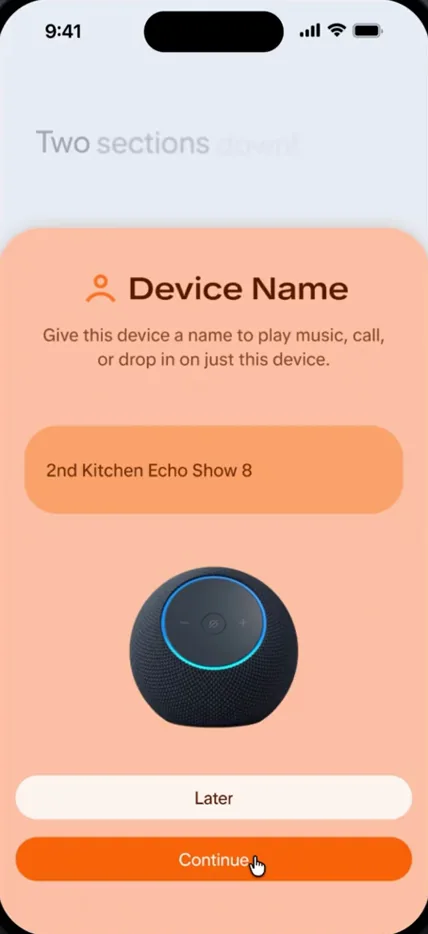
Final outcome | 03 motion language
Keep the Experience in Flow
Keeps users in the main setup flow
→ Avoids unnecessary navigation to separate screens
Creates space for agent to remain present and guide the user
→ Makes setup feel more conversational and interactive
Agent space

















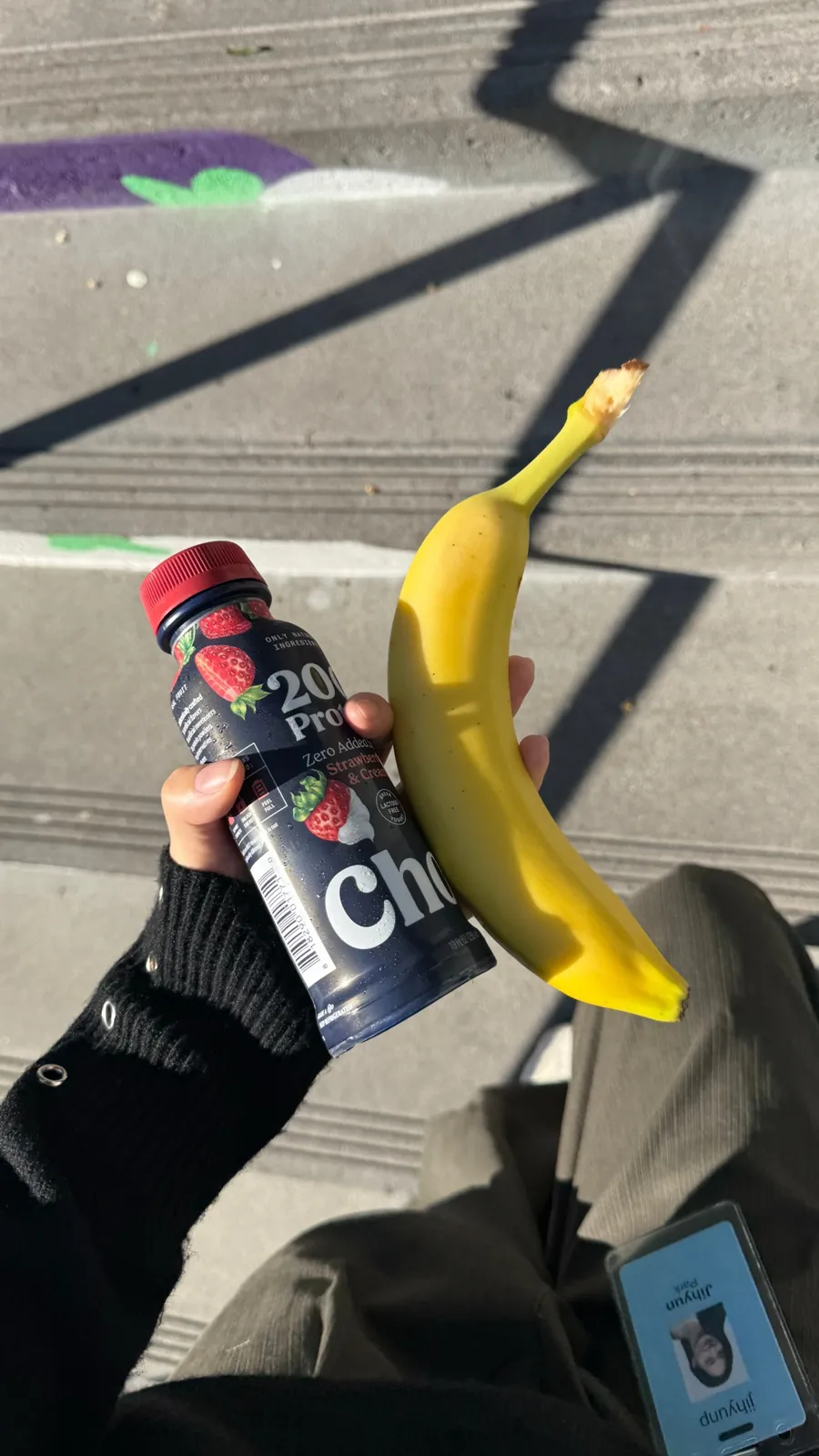
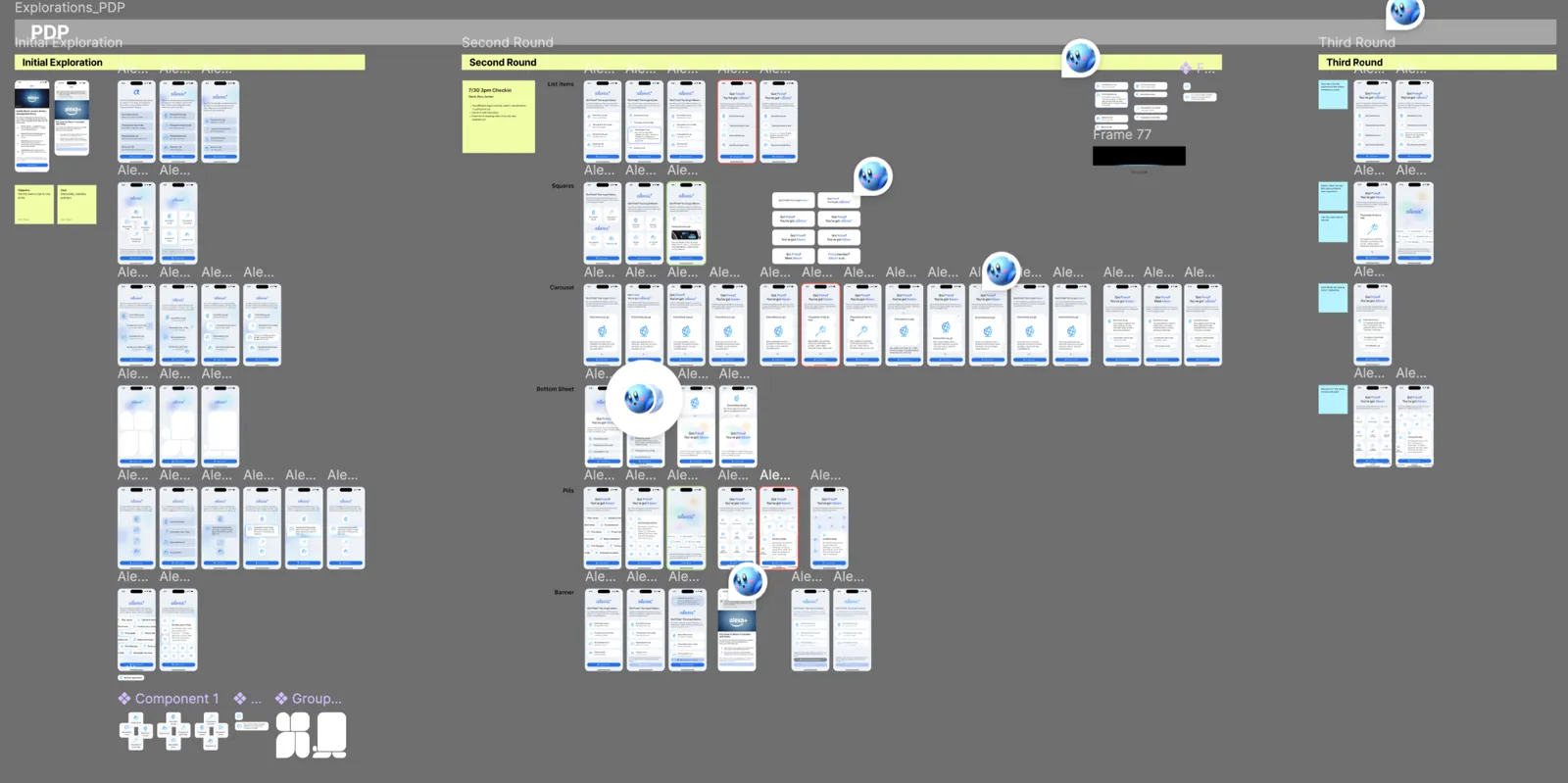
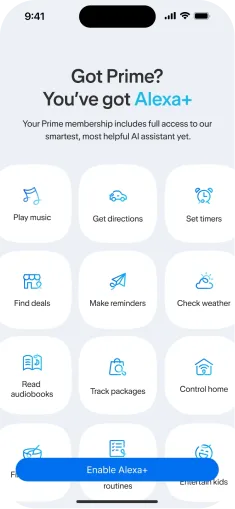
What else did I do | 01 product description page Redesign
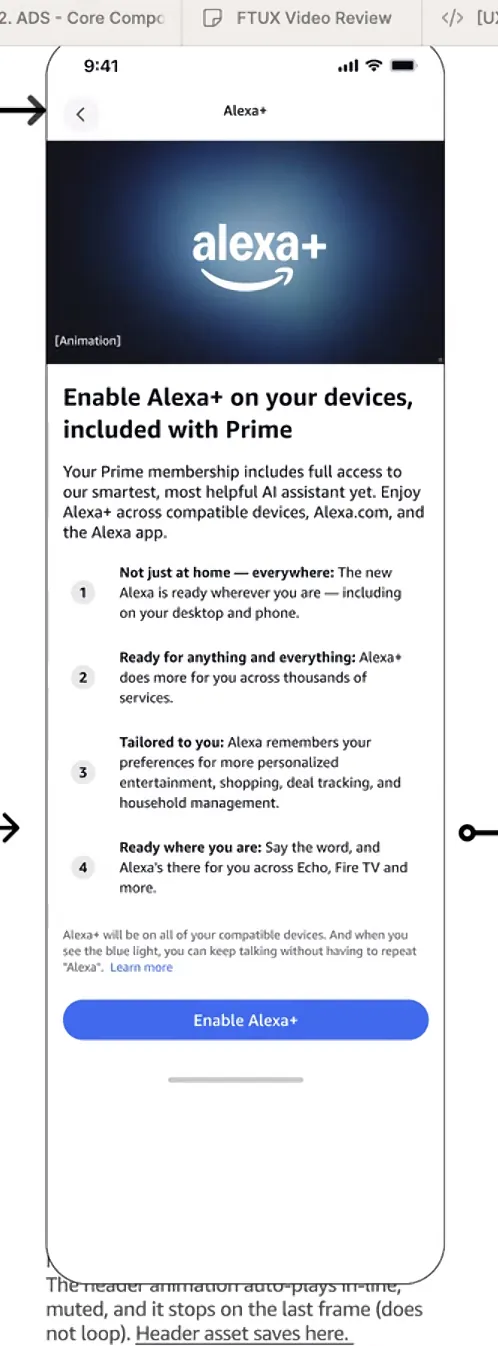
What else did I do | 02 Spec handoff
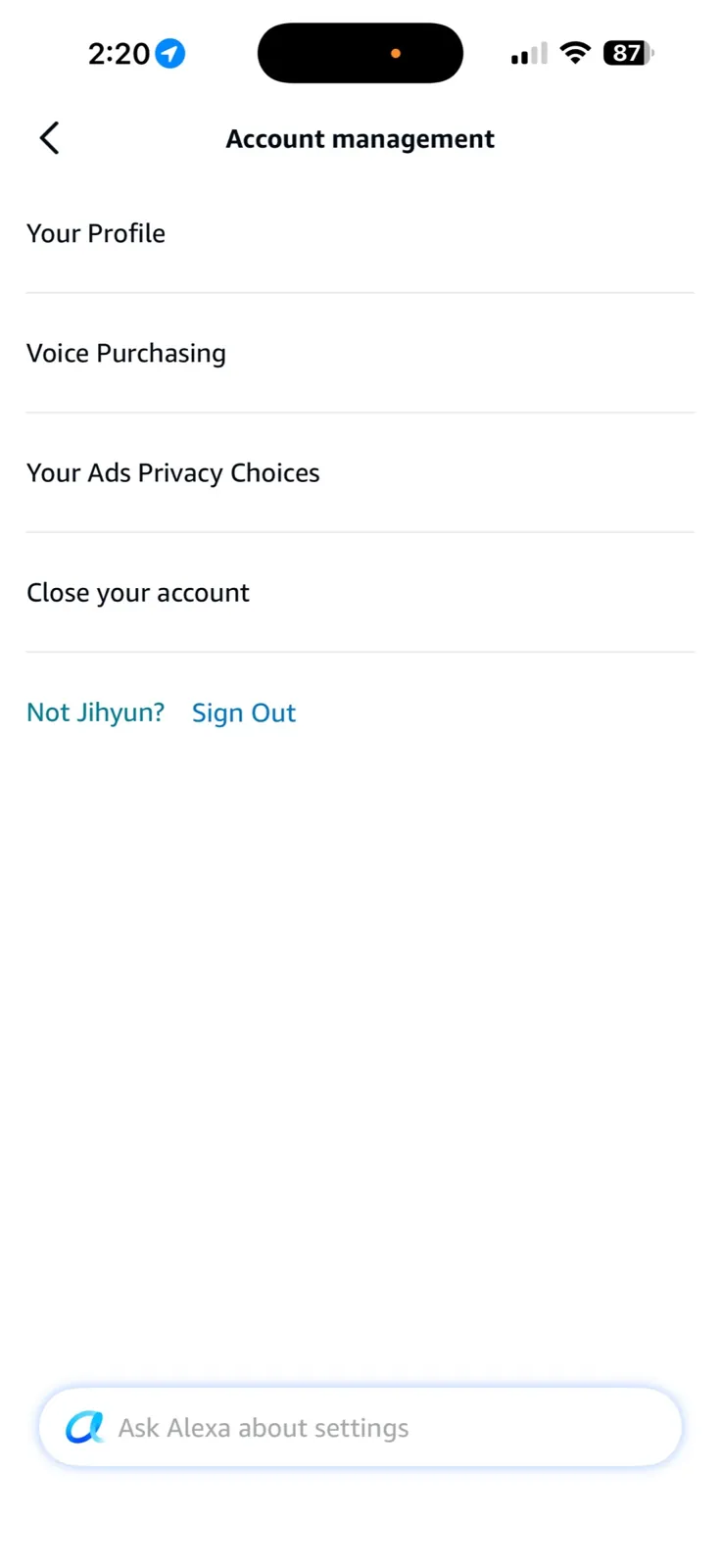
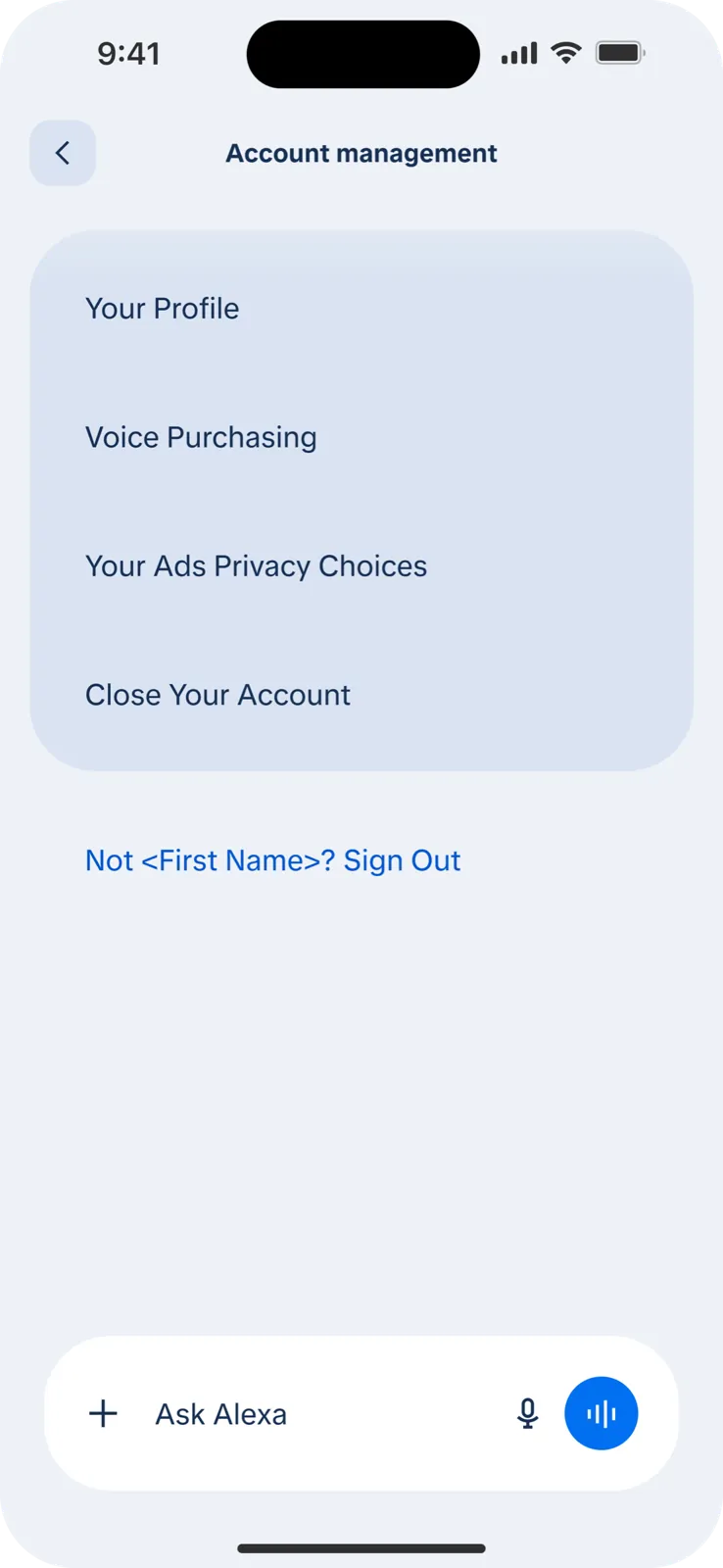
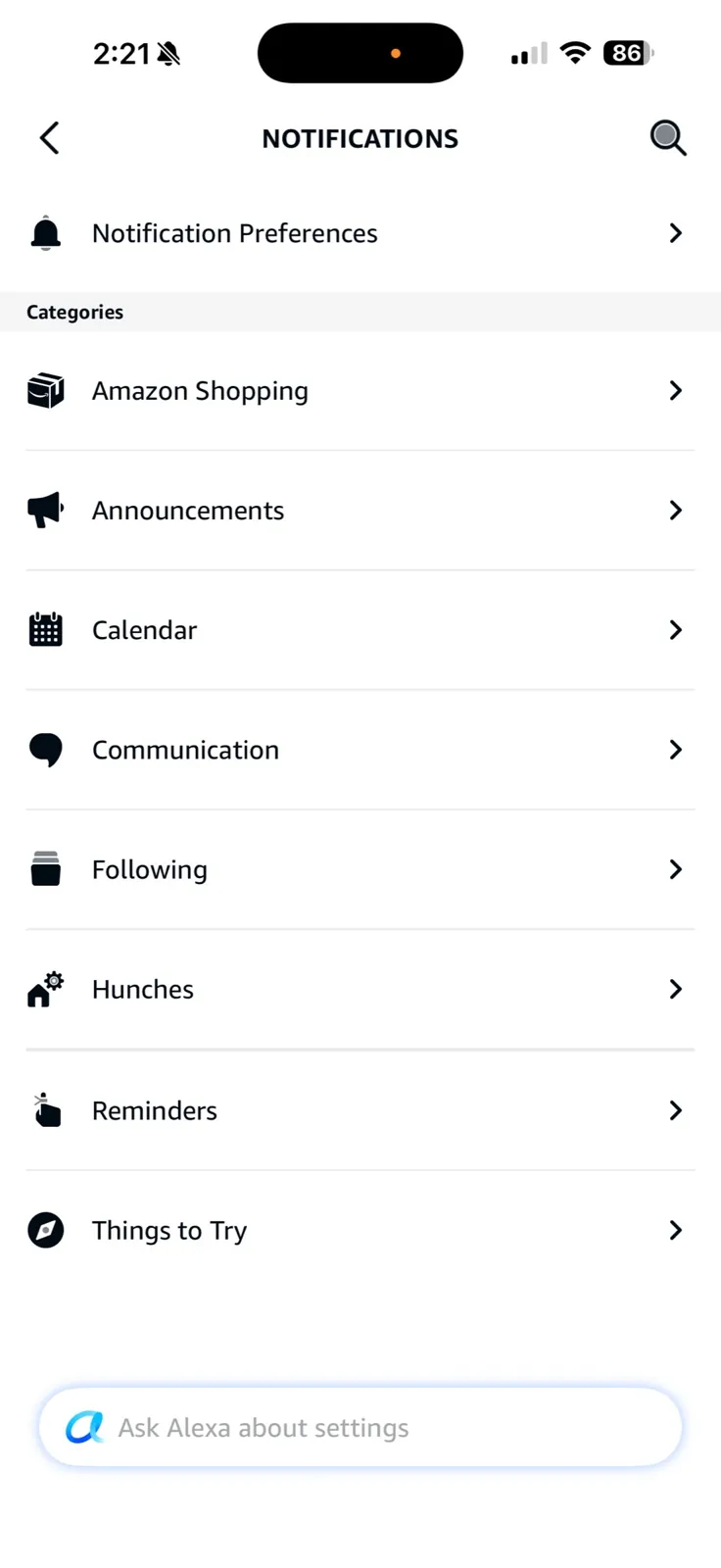
Scalability. I thought I understood scalable design, but working here made it concrete. Designing for millions of users comes with countless constraints and dependencies, and those same constraints create opportunities. I learned to navigate the tradeoffs much more deeply.
Going down the rabbit hole. Spending 12 weeks on a single flow let me question every interaction. Before this, I thought I was paying close attention to onboarding, but I was mostly focused on visuals. Here, I learned to think about how I’m actually guiding someone through an experience.
Proactivity. Working with stakeholders across teams, I learned to ask questions even when they felt trivial. More often than not, those were the ones that surfaced the most important details and led to a better outcome.
reflection
Great on boarding turns first interaction into a
clear, confident, and rewarding path to value.